
Best IPTV for Firestick (2026): App & Provider Guide
Looking for the best IPTV for Firestick in 2026? There is no single service that is best for every Fire TV Stick. A better choice is the provider that offers the channels you are authorised to watch, supports a player available on your exact Firestick model, explains its connection limits and terms, and lets you verify playback on your own network before committing.
This guide is about choosing a compatible IPTV service for a Fire TV Stick, not ranking services we have not independently tested. If you are comparing the hardware itself, read our best IPTV devices comparison. If you already have a subscription and need installation help, use the IPTV setup guide.
Quick answer: what makes an IPTV service suitable for Firestick?
Five things matter more than a headline channel count: player compatibility, viewing rights and channel availability, reliable playback on your actual network, clear simultaneous-stream limits, and understandable trial and payment terms. Check all five before choosing a subscription. A subscription and a player are separate products: the player opens compatible streams, while the provider supplies whatever authorised content and account access the plan includes.
Firestick compatibility in 2026: Fire OS vs Vega OS
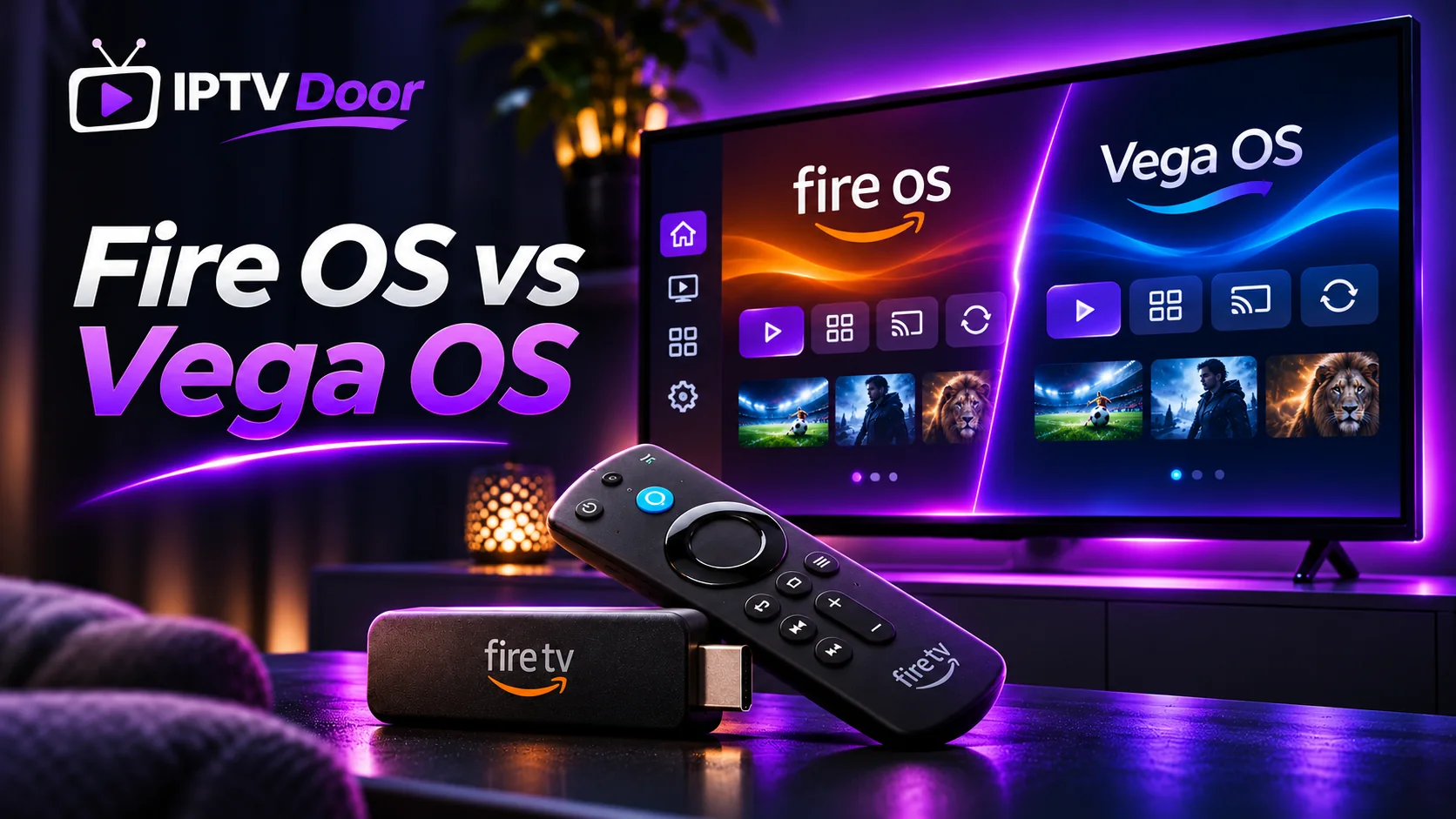
Not all Amazon Fire TV Sticks use the same operating system. This is easy to miss in older guides, and it can decide whether a particular IPTV player is available at all.
| Example Fire TV device | Operating system | What you should check |
|---|---|---|
| Fire TV Stick 4K Max (2nd generation, 2023) | Fire OS 8 | Whether the intended player supports this Fire OS version and can be installed through a trusted supported method |
| Fire TV Stick 4K Select (2025) | Vega OS (check device software version) | Whether a Vega OS-compatible version of the player is actually available in the Amazon Appstore |
| Fire TV Stick HD (2026) | Vega OS (check device software version) | Do not assume an Android app package is compatible |
| Fire TV Stick 4K (third generation, 2026) | Vega OS 2.0 | Confirm the current app’s Vega support for this device and your region |
These device/OS examples come from Amazon’s Fire TV operating-system reference and the official device identification guide. Amazon may add more devices and software versions, so check your model and software version in the Fire TV settings before you subscribe.
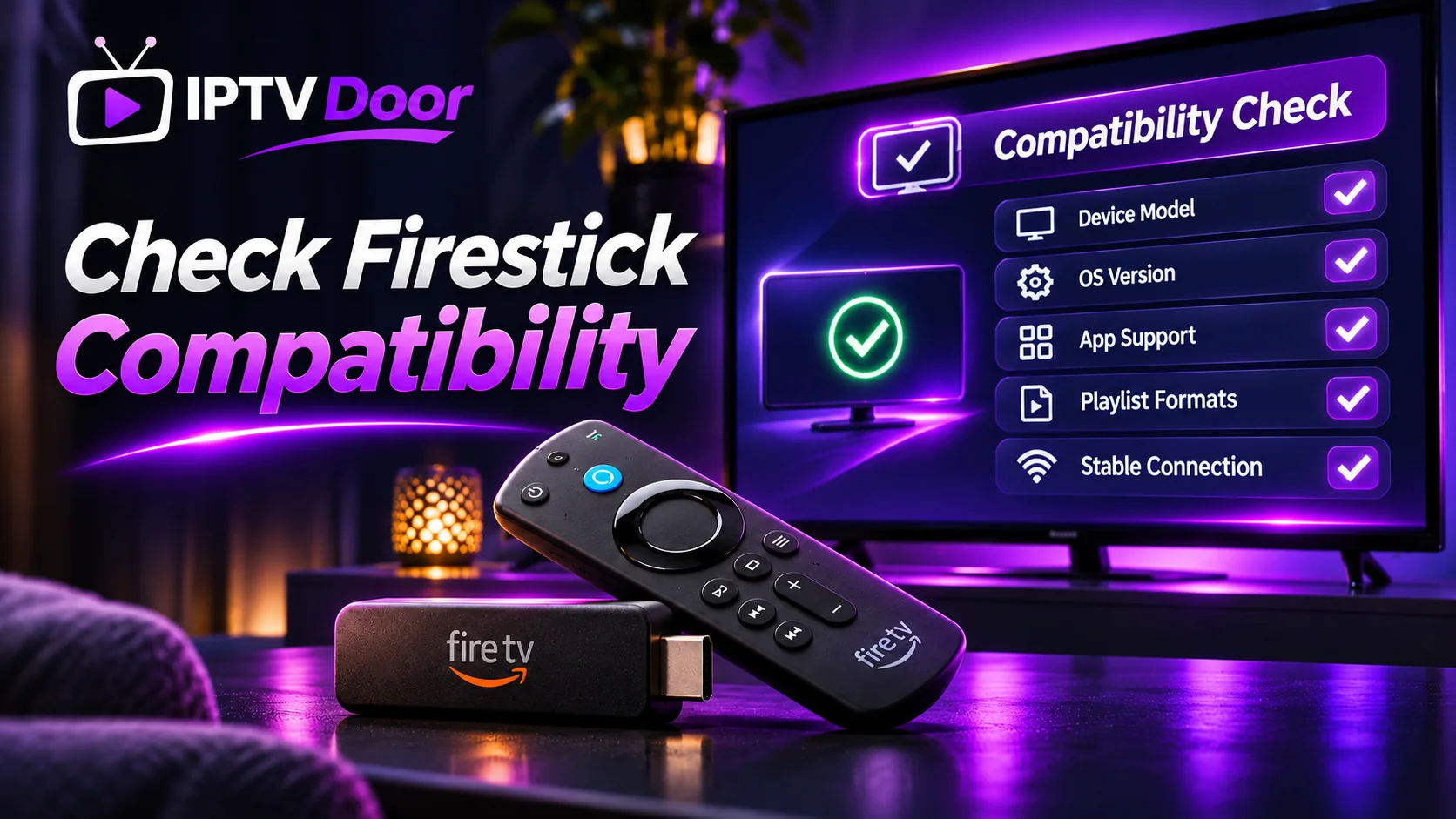
Why it matters: Fire OS is Android-based, while Vega OS uses a different platform. Instructions intended for an older Firestick may therefore not work on a newer one. Never assume that a player can be installed just because a review says it works on “Firestick.”
Best IPTV player apps for Firestick: which type of app should you compare?
People searching for the best IPTV for Firestick often mean two different things: the player app installed on Fire TV and the IPTV subscription providing authorised streams. The following is a feature-oriented comparison, not a hands-on test or a ranking of apps we have independently reviewed. Availability and features can change, especially on Vega OS devices.
| Player to investigate | What to check first | Suitable evaluation question |
|---|---|---|
| TiviMate | Whether the current player is supported on your exact Fire TV model and OS, and which guide or playlist features require Premium | Do you prefer a TV-guide-centred interface and need several playlists? |
| IPTV Smarters / Smarters Pro | Whether a genuine compatible app exists for your model and whether it supports the login details provided by your service | Do you want a straightforward way to access live TV and VOD where supported? |
| VLC | Whether a compatible edition is available for your model, and which playlist formats and TV-guide features it actually supports | Are you testing playback of a stream you are authorised to access rather than seeking a full TV-style interface? |
| Other supported player apps | Publisher identity, app-store listing, updates, remote usability, privacy permissions, and compatibility with your provider’s permitted login method | Can you verify the app is genuine and supported before entering account credentials? |
Important Firestick compatibility warning: Android-based Fire OS apps should not be assumed to run on Vega OS. For consumer installations, Vega OS apps are distributed through the Amazon Appstore; Amazon’s developer-only testing procedure is not a general installation method for buyers. Check Amazon’s Fire OS and Vega OS device table and its Vega OS app-distribution clarification before following a tutorial based on another Firestick model.
None of these player apps, by itself, confirms access to a particular TV channel. Verify the subscription, regional rights and player compatibility separately. For installation rather than choosing a service, consult our step-by-step IPTV setup guide.
How to compare IPTV providers for Firestick without relying on advertising claims
| Check | Question worth asking | A useful way to verify |
|---|---|---|
| Firestick player support | Which exact app supports my model and Fire OS or Vega OS version? | Look for an available version in the device’s app store and get a written answer for your model |
| Channel rights and location | Is the specific content licensed and available where I live? | Check provider documentation and verify important channels individually; do not rely on category labels alone |
| Playback experience | How does it run on my Wi-Fi, television and player? | Try a normal-length session during the time you usually watch |
| Connection limits | Can two or three people watch at once? | Check whether the plan explicitly includes multiple simultaneous streams |
| Guide and navigation | Are EPG, subtitles or catch-up supported? | Test each feature you actually need; availability varies |
| Terms and payment | What is the full price and renewal or cancellation policy? | Read the live checkout and service terms rather than relying on a review’s old prices |
| Support | Will somebody help if a login fails? | Ask a specific device/setup question before choosing a long subscription |
How to test IPTV on Firestick before paying for a longer term
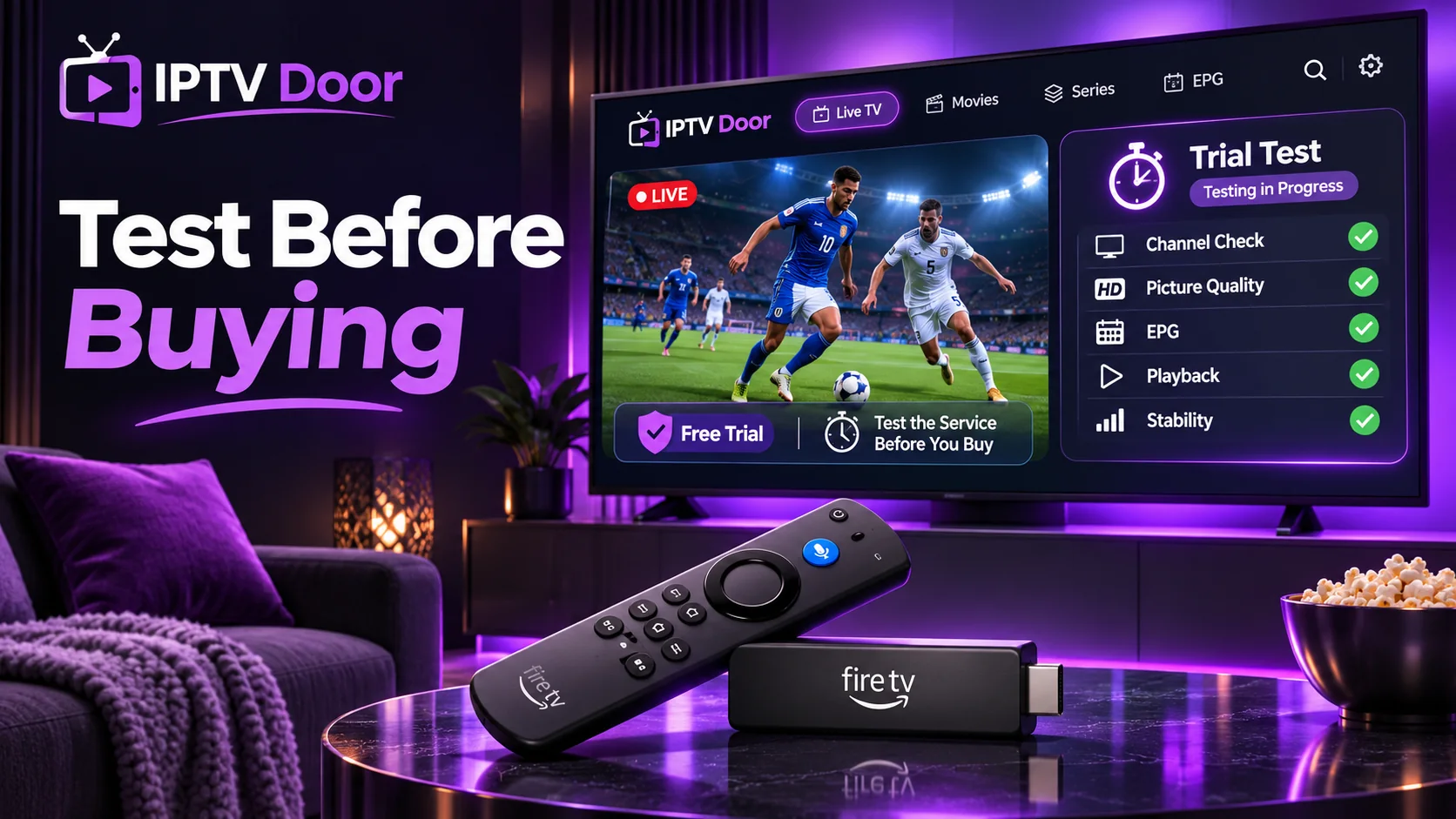
- Identify your Firestick: record the exact model and operating-system version in Settings. Check the official Amazon documentation if the name is ambiguous.
- Find a supported player: verify app availability in your country’s device app store. Avoid untrusted download links and do not bypass device or content restrictions.
- Confirm the provider’s login method: some players use a username, password and server address; others use an authorised playlist or other account method. Confirm what the player actually accepts.
- Run a realistic playback test: check content you are authorised to access using the Firestick, Wi-Fi or Ethernet setup and usual viewing time you intend to keep.
- Test navigation and the EPG: see whether menus, programme times and remote-control interactions meet your needs.
- Check simultaneous viewers: if you plan to use more than one screen, choose an explicit multi-connection plan. Installing the app on multiple devices does not increase the number of simultaneous streams allowed.
- Decide only after checking terms: compare a trial or short-term option first, especially when the hardware or player is new to you.
Our IPTV trial checklist includes a printable mental scorecard for channels, devices, stability, EPG and support. Review the current 24-hour trial offer for its live eligibility and terms; an offer listing does not guarantee compatibility with every Firestick or availability in every location.
Does an IPTV app include TV channels?
Usually not. The player handles the interface and stream playback; the subscription determines the content and account access. An app that can open M3U or account-based playlists is not proof that a particular provider’s channels are licensed, included or accessible in your region. Confirm the service and player separately.
Firestick IPTV buffering: what to check first
Buffering is not always caused by the subscription provider. Check Wi-Fi strength at the television, network congestion, video quality, player updates and whether the same issue occurs on another authorised stream. A wired connection or better Wi-Fi placement may help, but neither guarantees uninterrupted playback. Use our IPTV buffering troubleshooting guide for a step-by-step diagnosis and our internet speed guide for bandwidth planning.
Firestick IPTV subscriptions: compare duration and simultaneous screens
Do not confuse the length of a subscription with how many TVs may stream at the same time. For example, a 12-month plan can still allow only one active stream unless the provider offers and includes extra connections. Compare IPTV Door’s published subscription pricing, 2-connection options and 3-connection options. Prices and availability can change; the checkout details control.
USA, UK and Canada: check the details for your location
Before selecting a service, verify the content is authorised for your country, the player is available in your regional app store, the streaming quality works with your internet connection, and the checkout currency and terms are clear. A provider’s worldwide device claim does not mean the same catalogue or rights exist in the United States, United Kingdom and Canada.
Best IPTV for Firestick: frequently asked questions
Can every Firestick run the same IPTV apps?
No. Compatibility depends on the exact model, OS version and app availability. The distinction between Fire OS and Vega OS is especially important on recent models.
Is the best IPTV player the same thing as the best IPTV subscription?
No. A player is software; a subscription supplies service access. Evaluate them separately, including content rights and provider terms.
Do I need a VPN to use IPTV on Firestick?
No universal device requirement exists. A VPN does not make unlicensed content legal or guarantee that a particular app or stream will work. Follow the applicable law, service terms and any legitimate security needs.
Will a faster Firestick guarantee no buffering?
No. Device performance, local Wi-Fi, provider delivery, stream bitrate and other household traffic all play a role. Test your real setup.
Can I watch on three Firesticks with one IPTV account?
Only if the plan explicitly permits three simultaneous streams, and the player is compatible with each device. Read the connections guide before purchasing.
Final decision
The best IPTV option for your Firestick is the one you can verify: compatible app on your exact hardware, legitimate access to your required content, acceptable playback during realistic testing, the right connection count and clear pricing and support. Start with a small commitment rather than choosing solely by an advertising headline.
