
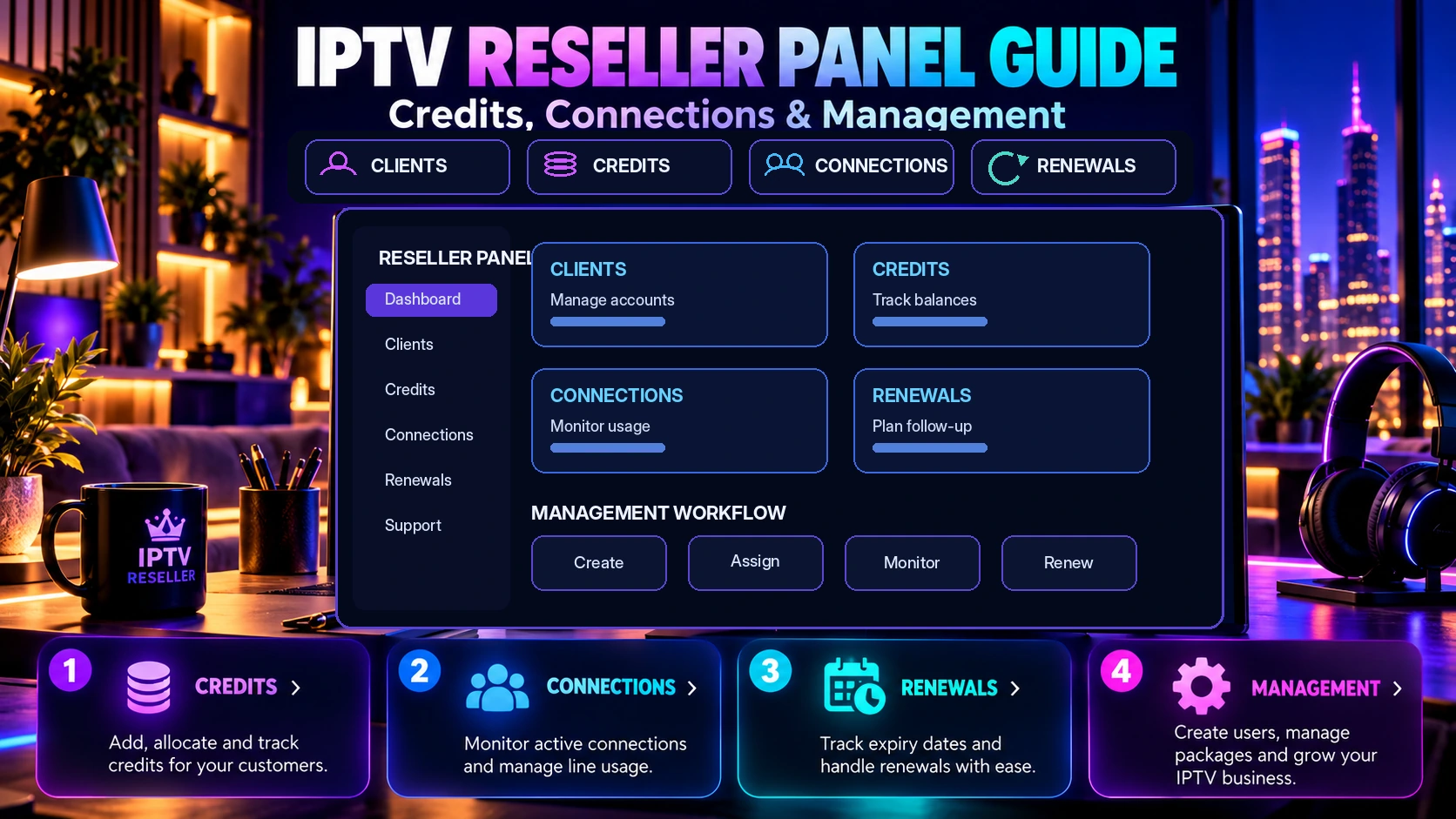
IPTV Reseller Panel Guide: Credits, Connections & Management
IPTV Reseller Panel Guide: Credits, Connections & Management
An IPTV reseller panel is a web-based dashboard used to create and manage customer subscriptions from one place. Instead of handling every activation manually, a reseller can use the panel to organize customer lines, choose subscription durations, manage renewals and keep track of the available credit balance.
This guide explains the main concepts in simple terms so you can understand what to check before choosing a reseller package. Exact features, credit rules and connection limits can vary by provider, so always confirm the details of the specific package you plan to use.
What is an IPTV reseller panel?
An IPTV reseller panel is the management side of an IPTV reseller service. The customer normally receives the credentials or setup details needed to use the service, while the reseller uses the panel to create and manage those customer subscriptions.
A typical panel can help a reseller create a new subscription, select its duration, extend an existing subscription, review active accounts and manage multiple customers from one dashboard.
If you are comparing options, see our IPTV reseller panel for the reseller packages currently offered by IPTV Door.
How do reseller credits work?
Credits are units used inside many reseller panels to create or extend subscriptions. The number of credits required can depend on the subscription duration, the number of simultaneous connections and the rules of the panel being used.
There is no universal credit formula across every IPTV reseller system. One provider may count a one-month subscription differently from another, and multi-connection plans can also use a different amount of credit. Compare the package rules rather than looking only at the total number of credits.
Questions to ask about credits
- How many credits are used for each subscription duration?
- Do two or three simultaneous connections use additional credits?
- Can credits be used to renew an existing customer?
- Do unused credits expire?
- Can more credits be added to the same panel later?
What does a connection mean?
In IPTV subscriptions, a connection generally refers to how many streams can be used at the same time under the plan. This is different from simply installing an app on more than one device.
Customers who only watch on one screen at a time may need a different plan from a household that wants two or three screens streaming simultaneously. Compare our 2-connection IPTV plans, 3-connection IPTV plans, or read the 1 vs 2 vs 3 IPTV connections guide.
Creating and managing customer subscriptions
The main purpose of a reseller panel is to centralize customer management. A practical workflow usually includes creating the subscription, delivering the setup information, supporting the customer and renewing the line when the subscription ends.
- Create: set up the customer subscription using the required duration and connection option.
- Deliver: send the customer the account or setup details.
- Support: help with common setup questions and confirm important channel requirements.
- Renew: extend the customer subscription when the current period ends.
Subscription duration: 1, 3, 6 or 12 months
Different customers prefer different commitment periods. A shorter plan can suit someone who wants more flexibility, while longer subscriptions can be easier for customers who already know what they need. The reseller should understand the credit cost of each duration before setting a retail price. For a clear consumer-side comparison of available durations, review the 1-month IPTV plan, 3-month IPTV plan, 6-month IPTV plan and 12-month IPTV plan.
For consumer subscription options, compare the current IPTV subscription plans and pricing.
Channel availability and customer expectations
Channel availability can change by package, country and provider updates. If a customer needs a specific sports channel, language or regional package, it is better to confirm availability before the order is completed.
Review the IPTV channels list and contact support if you need to confirm a specific channel.
Device compatibility
Customers may use IPTV on Smart TVs, streaming devices, phones, tablets or computers depending on the service and player they choose. A reseller should ask which device and app the customer is using before troubleshooting or promising compatibility.
What should a new reseller check before buying a panel?
- Panel controls: understand how to create, extend and manage subscriptions.
- Credit rules: calculate how many credits each type of customer will actually use.
- Connection options: confirm the simultaneous-stream options customers request.
- Support: know how to get help with activation or setup issues.
- Channel requirements: verify important regional or sports channels before making promises.
How to plan your reseller pricing
Before choosing your selling price, calculate the real cost of creating the subscription in the panel. Then allow room for customer support, payment costs and the time spent helping customers. Keep separate prices for different durations and connection counts so customers can clearly understand what they are buying.
Common reseller mistakes to avoid
Avoid focusing only on the number of credits in a package. Understand the complete workflow first. Do not promise a specific channel before checking it, do not confuse installed devices with simultaneous connections, and keep a clear record of renewal dates.
IPTV reseller panel FAQ
Do I need technical experience to use a reseller panel?
The basic workflow is built around managing subscriptions, but understanding common IPTV setup steps and customer devices makes support easier.
Can I manage more than one customer?
Yes. Customer management is a core purpose of a reseller panel. Any package-specific limits depend on the reseller system.
Can I renew an existing subscription?
Reseller panels commonly provide a way to extend or renew customer subscriptions. Credit cost and available durations depend on the specific panel rules.
How many connections should I offer?
That depends on how your customers watch. A single viewer may need one simultaneous stream, while a household may prefer two or three.
Where can I ask about a specific reseller package?
Review the IPTV reseller credit packages, contact IPTV Door support, or check the IPTV FAQs.
Next step
Start by comparing the credit packages, connection options and support workflow. Once you understand the real cost per customer and how the panel handles renewals, you can choose the reseller package that fits the scale of your business.
