
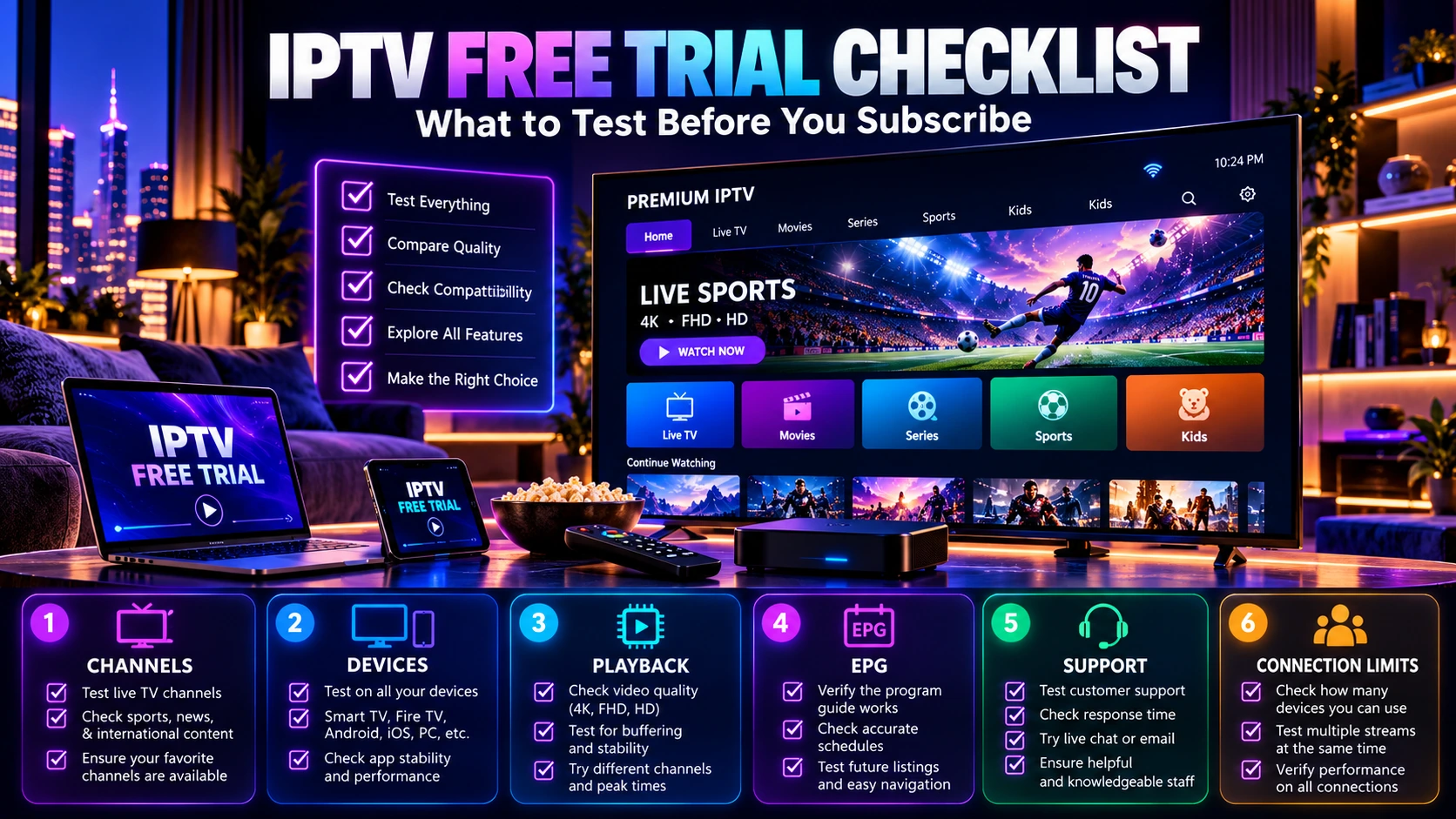
IPTV Free Trial Checklist: What to Test Before You Subscribe
Quick answer: During an IPTV free trial, test your must-have channels, live playback, movies or series if included, the exact device and player you plan to use, Wi-Fi or Ethernet stability, EPG accuracy, support response and the number of simultaneous streams you need.
An IPTV free trial is most useful when you test the service under the same conditions you expect to use after subscribing. A quick check that one channel opens is not enough. Your device, player, internet connection, must-have content and number of simultaneous viewers all affect the experience.
This checklist gives you a structured way to evaluate a trial before choosing a paid plan. It focuses on practical checks you can complete during a short trial window without relying on marketing claims. For the full decision process, see our 2026 IPTV subscription buyer’s guide.
Quick note: trial availability, duration, channel availability and supported features can change. Use services and content you are legally entitled to access in your location, and confirm current terms before ordering.
IPTV free trial checklist at a glance
| What to test | What to look for |
|---|---|
| Trial terms | Duration, start time, included features and connection limit |
| Your main device | App installation, login, navigation and playback |
| Important channels | Your actual must-have sports, news, entertainment or regional content |
| Live playback | Startup time, channel switching, buffering and stability |
| Movies and series | Availability, playback, subtitles or audio options when included |
| EPG | Program information and usability when available |
| Your normal internet | Wi-Fi or Ethernet performance in the room where you normally watch |
| Multiple viewers | Whether your plan supports the number of simultaneous streams you need |
| Support | Clear setup help and useful answers when you have a real question |
1. Confirm the IPTV trial terms before you start
Before opening apps and changing channels, confirm exactly what the trial includes. A short trial can be enough for a useful test, but only if you know when it starts and what is included.
- Trial duration: note the activation time and when access is expected to end.
- Connection limit: confirm how many simultaneous streams are included.
- Content scope: check whether the same categories you are considering for a paid plan are included in the trial.
- Supported login method: confirm which app or login format you should use.
- Support channel: know where to ask for help if setup fails.
This prevents a common mistake: testing a temporary setup that does not match the plan you actually intend to buy.
2. Test the exact device you plan to use
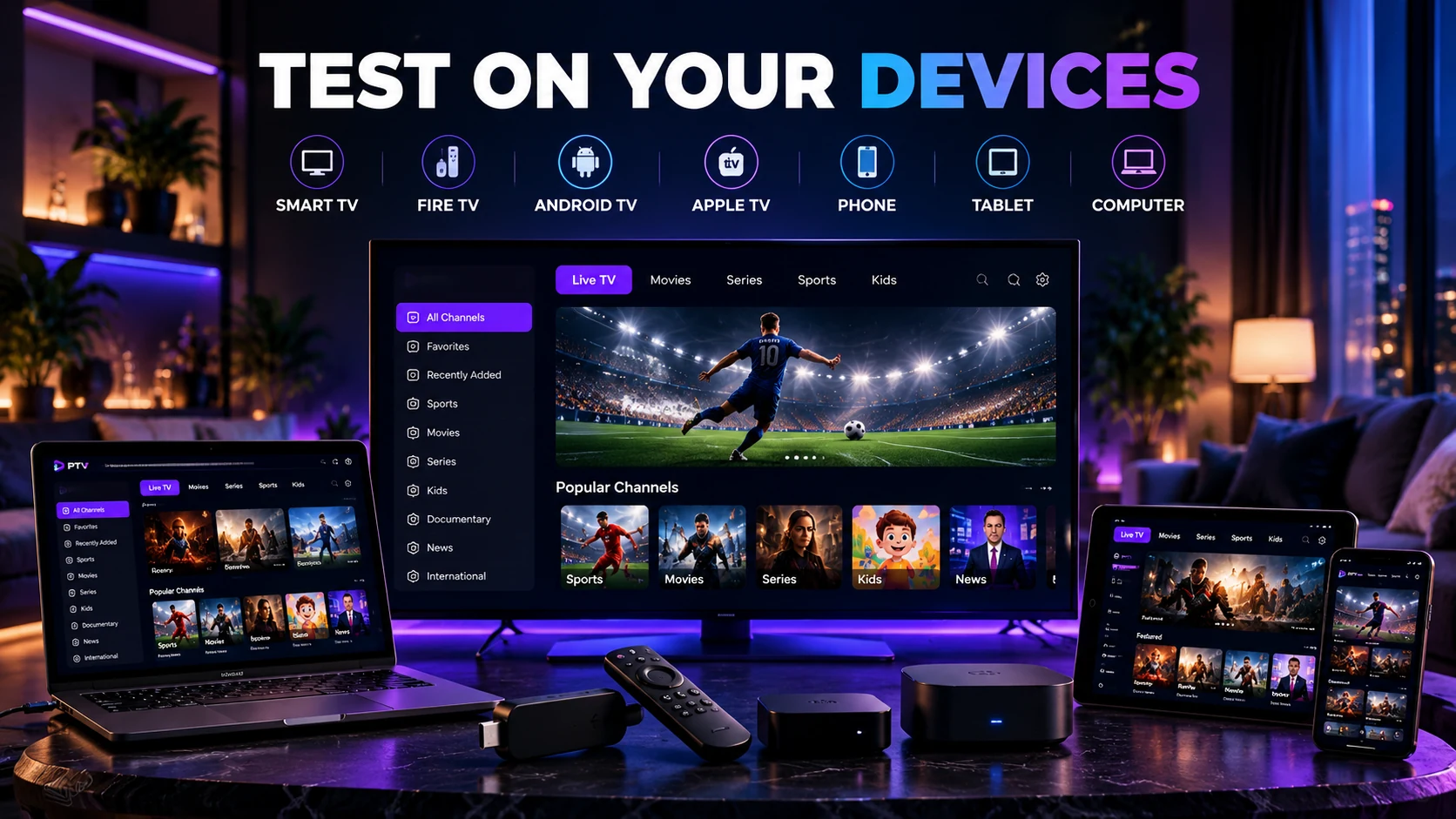
A service can behave differently across a Smart TV, Android TV device, phone, tablet, computer or streaming device. Test the device that will matter most after purchase rather than using the easiest device just to confirm that the account works. If you are comparing hardware, see our best IPTV devices guide for 2026.
Check whether the player is easy to navigate with your normal remote or controls, whether login is straightforward, and whether the interface remains usable after you move between live TV, movies and series.
If you expect to use more than one device type, test each important device during the trial when possible. The goal is not to prove that IPTV works in general; it is to verify that the setup works for your household. Before testing, you can also review the IPTV compatible devices guide to check common Smart TV, streaming-device, phone, tablet and computer setups.
3. Make a must-have channel list before testing
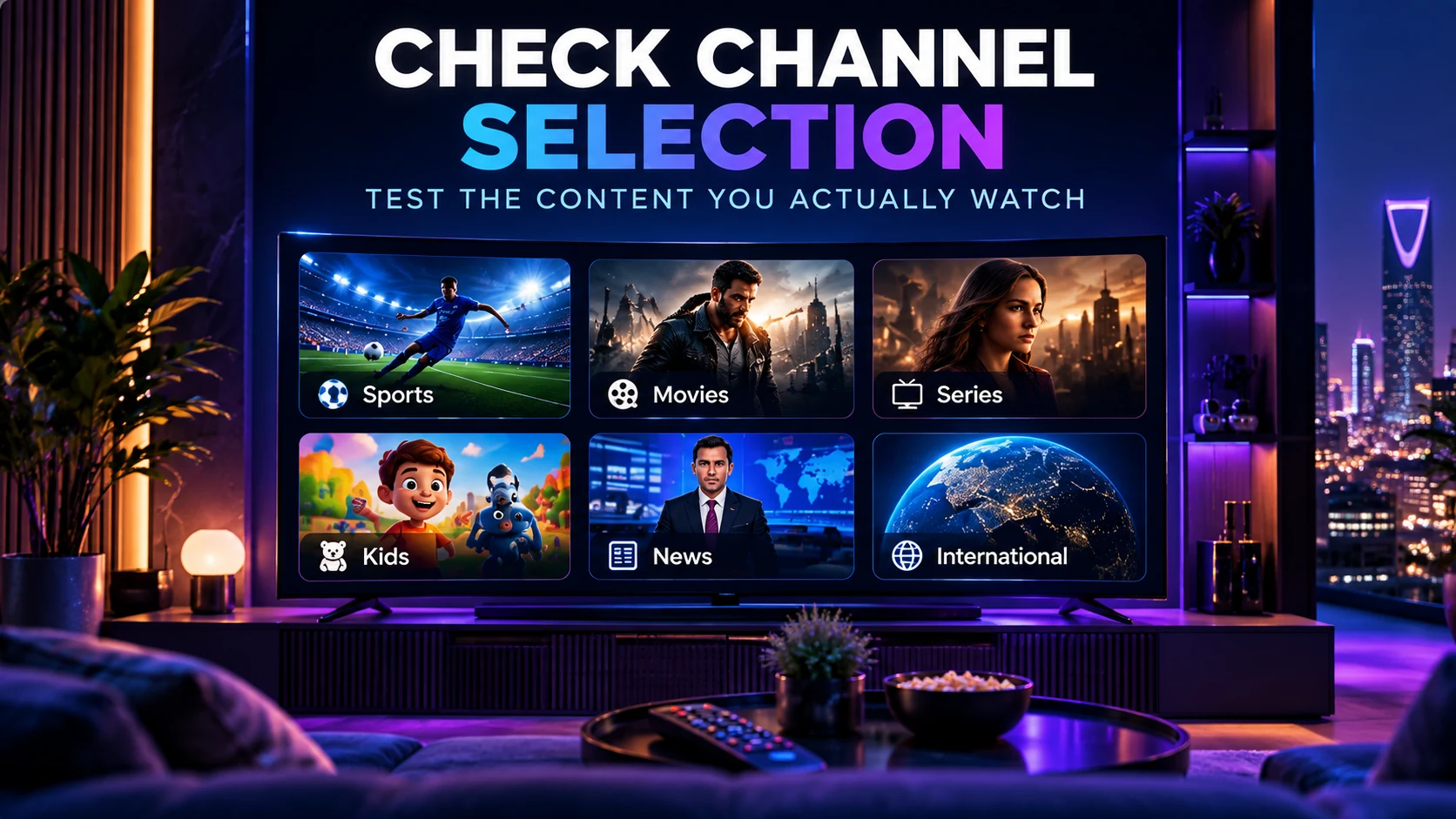
Do not spend the entire trial browsing random channels. Write down the channels or content categories that would actually influence your buying decision, then check those first.
For example, you may care most about:
- specific sports categories;
- regional or international channels;
- news channels;
- children’s content;
- movies and series;
- content in a specific language.
Channel lineups can change, so if one specific channel is essential, verify it before ordering. You can review the current IPTV channels and content list and contact support when you need confirmation about a particular channel.
4. Test live playback in realistic conditions
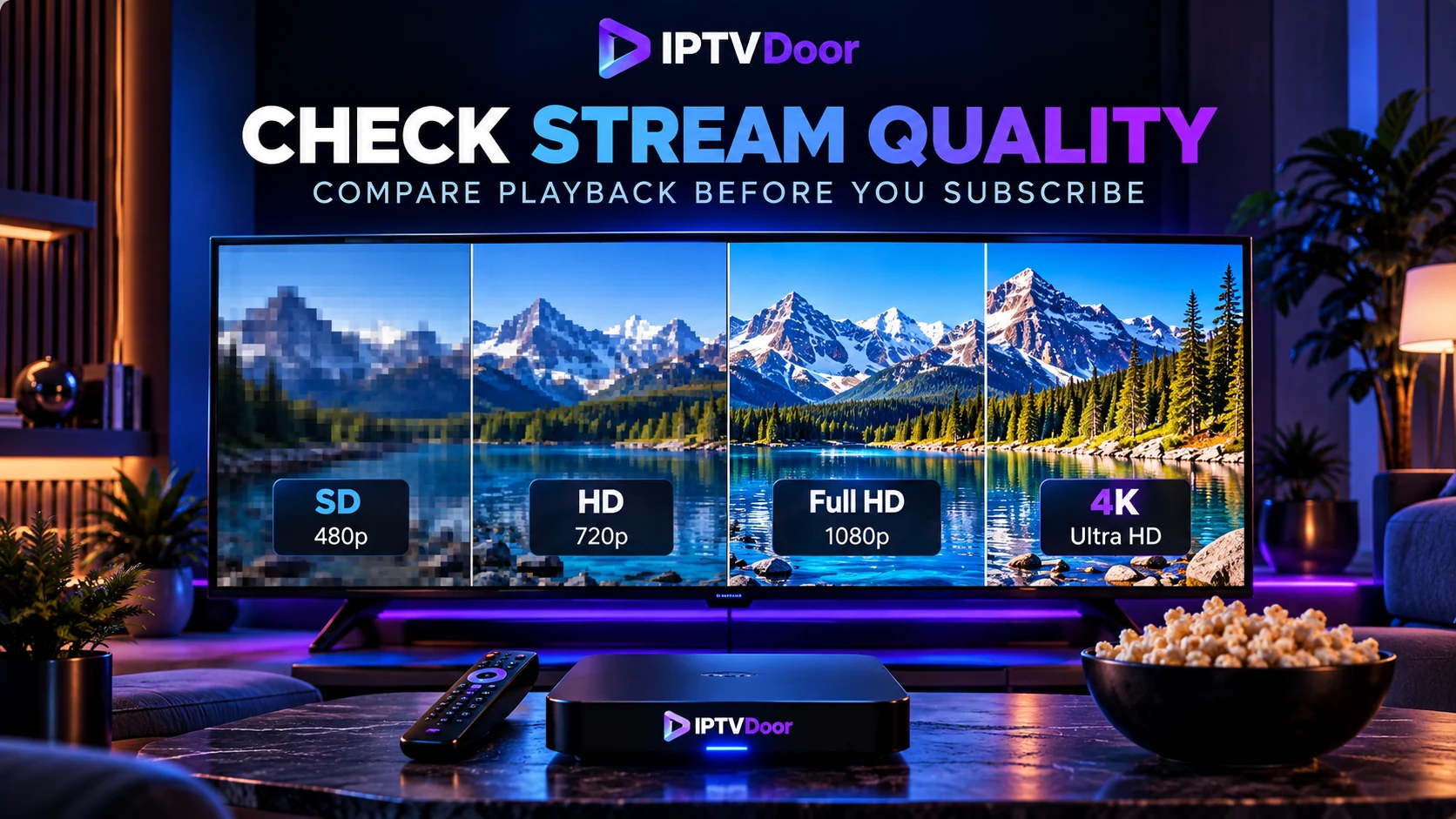
Playback quality should be tested when and where you normally watch. If your household usually watches in the evening over Wi-Fi, a test on a wired laptop at a quiet time does not tell you enough. If buffering or freezing appears during the trial, follow our IPTV buffering troubleshooting guide to isolate whether the cause is Wi-Fi, the device, the player or the stream.
During the trial, check several live channels rather than one. Pay attention to:
- how quickly a stream starts;
- whether channel changes feel responsive;
- whether playback remains stable over a longer viewing session;
- whether buffering or freezing repeats on different channels;
- whether HD or higher-resolution streams behave well on your actual setup.
If you see a problem, compare more than one channel and, when possible, compare Wi-Fi with Ethernet or another network. That helps separate a local network issue from a service issue. For practical HD, Full HD and 4K bandwidth ranges, see our IPTV internet speed guide.
5. Check movies, series and program information
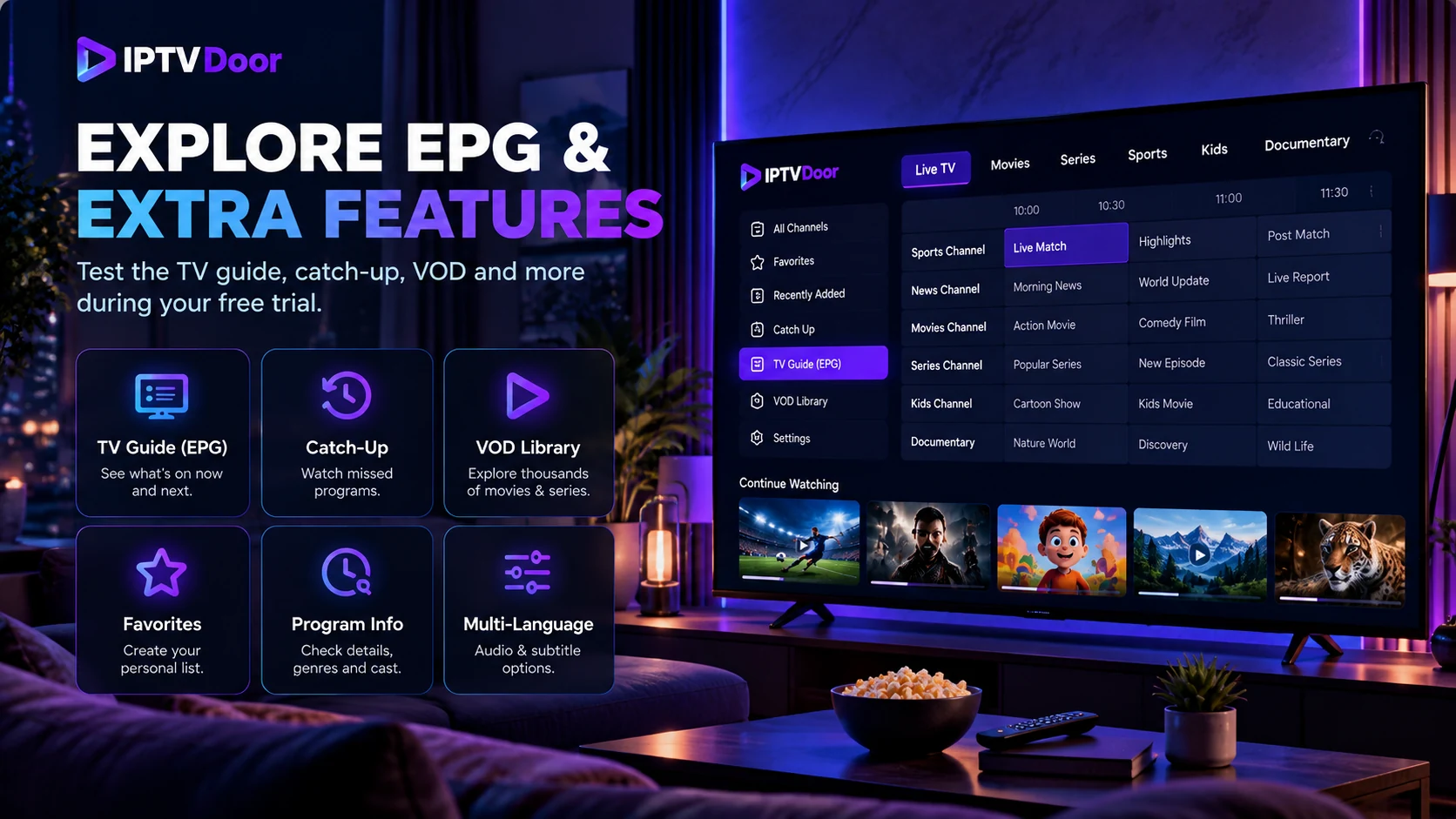
If movies, series or an electronic program guide are important to you, test them during the trial instead of assuming that live TV performance represents the whole service.
Open several items, test seeking and playback controls where supported, and check whether the categories are easy to browse. If subtitle or audio-language options matter to you, test a few titles that should include them.
For program information, look at whether the guide is understandable and useful on the player you expect to use. Not every app displays EPG data in the same way, so the player itself can affect the experience.
6. Test on your normal Wi-Fi or Ethernet setup
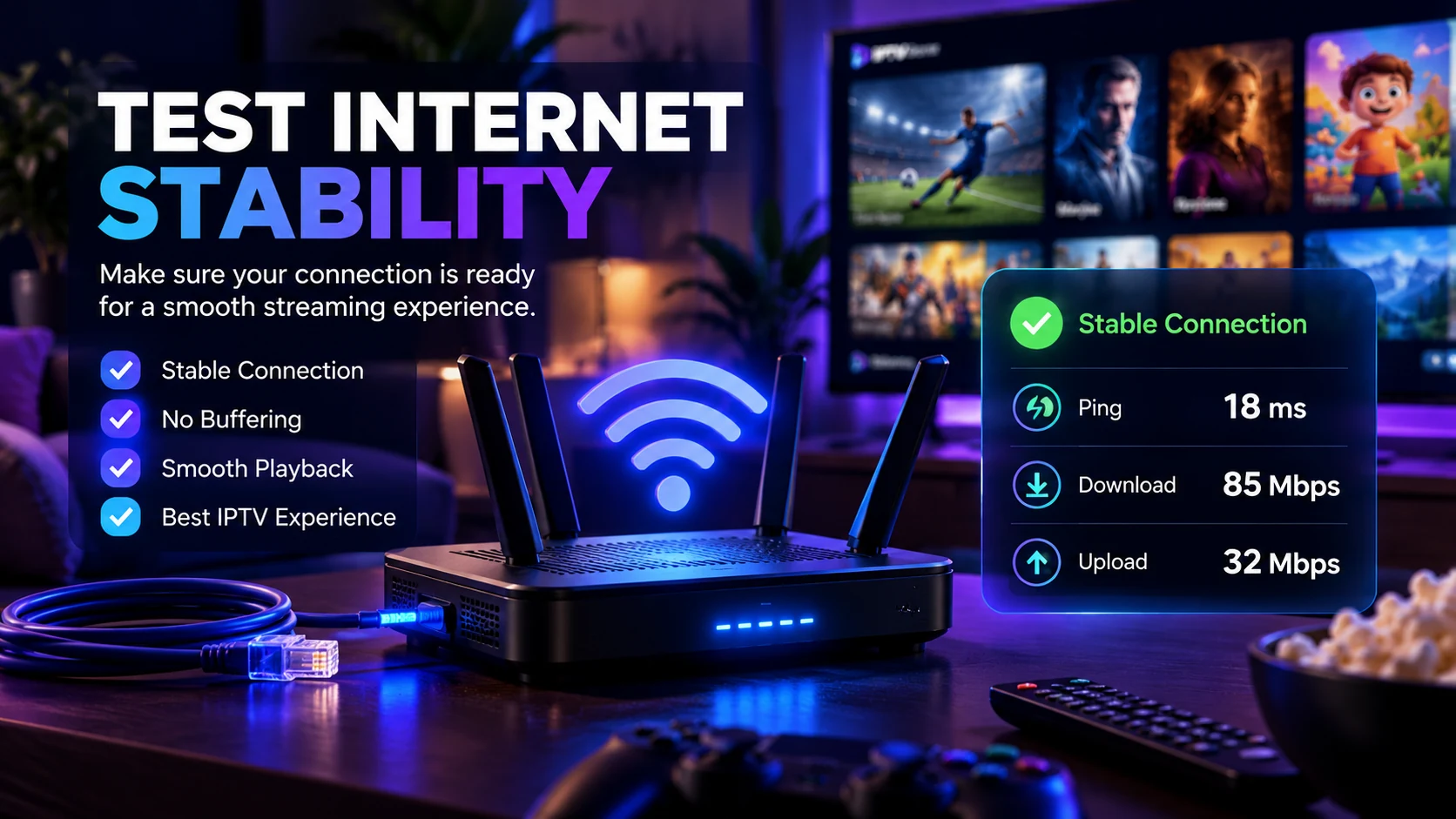
Your own network is part of the viewing experience. Run at least one meaningful test from the room where the main device will be used and on the connection method you normally expect to use.
If playback is unstable, try a simple comparison:
- restart the app and test again;
- test another channel;
- compare Wi-Fi with Ethernet if available;
- test closer to the router or on another device;
- check whether other devices are heavily using the connection at the same time.
This does not diagnose every networking problem, but it gives you better evidence than judging a service from one short playback test.
7. Test the connection count you actually need
The number of IPTV connections usually refers to how many streams can run at the same time, not simply how many devices have an app installed. A household with one active viewer has different needs from a household where two or three people regularly watch different content at once.
If simultaneous viewing matters to you, review our 1 vs 2 vs 3 IPTV Connections guide before choosing a plan. You can also compare the current 2 Connections IPTV plans and 3 Connections IPTV plans.
When the trial includes only one connection, use the trial to evaluate quality and compatibility, then confirm the multi-connection terms before ordering a larger plan.
8. Ask support one real question
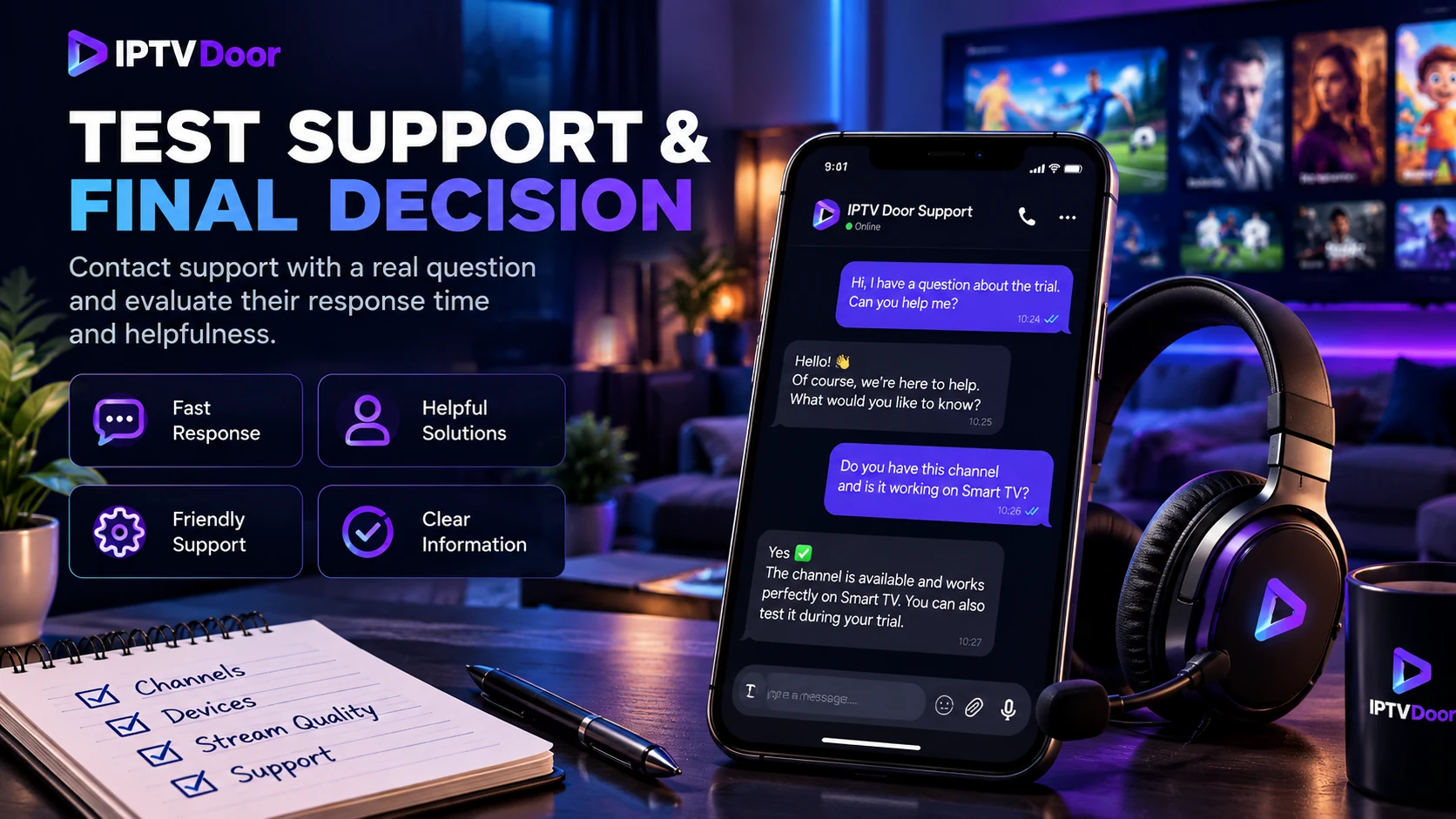
Support quality is difficult to judge without actually using it. During the trial, ask one genuine question about setup, compatibility, channels or connections.
You are not only checking response speed. A useful response should understand the question, give clear next steps and avoid unnecessary confusion. Good support becomes especially important when a TV app, login or network setup behaves differently from what you expected.
If you need help choosing a plan or confirming compatibility, you can contact IPTV Door support.
9. Review pricing and renewal terms after the technical test
Do not choose a subscription only because the trial played well for a few minutes. Once the technical checks are complete, compare plan duration, connection count and the total price that applies to your needs.
A longer subscription may suit someone who already understands the setup, while a shorter option can be easier for someone still learning which device and viewing routine works best.
Review the current IPTV subscription plans and pricing or browse all IPTV subscription packages, then choose the smallest plan that comfortably fits your expected usage.
10. Use a simple scorecard instead of relying on first impressions
A short scorecard makes your decision more objective. Rate each area from 1 to 5 after you finish testing:
| Area | Your score |
|---|---|
| Device setup and login | 1–5 |
| Must-have channels | 1–5 |
| Live playback stability | 1–5 |
| Movies and series | 1–5 |
| EPG and navigation | 1–5 |
| Performance on your normal network | 1–5 |
| Support quality | 1–5 |
| Plan fit and connection options | 1–5 |
Any area that is essential to you should carry more weight than the total score. For example, a sports viewer may care more about must-have channels and evening playback than about the size of the movie library.
Common mistakes during an IPTV free trial
Testing only one channel
One working stream does not tell you how the service behaves across the categories you actually use.
Testing only on a phone
If your main device will be a television or streaming box, test that setup before you subscribe.
Ignoring simultaneous viewers
A trial can look perfect for one viewer while the household actually needs two or three simultaneous streams.
Testing for only a few minutes
Use enough of the trial window to test a normal viewing session and the time of day that matters to you.
Choosing only by channel count
A very large headline number is less useful than confirming the specific channels, device compatibility and support you actually need.
IPTV free trial FAQ
What should I test first during an IPTV free trial?
Start with the exact device you plan to use and the channels or categories that matter most. Then test playback under your normal network conditions.
Is a short IPTV trial enough?
A short trial can be useful when you follow a structured checklist. Prioritize compatibility, must-have content, realistic playback conditions and support rather than trying to browse everything.
Should I test IPTV during my normal viewing time?
Yes. Test during the period when your household normally watches because that reproduces your real device, network and usage conditions more closely.
Does a trial prove every channel will always be available?
No. Channel and content availability can change. Confirm any channel that is essential to your purchase decision before ordering.
How do I know whether I need 1, 2 or 3 connections?
Count the maximum number of streams that need to run at the same time. Use our IPTV Connections guide for practical household examples.
Final recommendation
Treat an IPTV free trial like a real-world test rather than a quick demo. Use your main device, your normal network, your must-have content and the number of simultaneous viewers you expect after purchase. If you are ready to test the service, start with the 24-hour IPTV free trial. When the trial is finished, compare the result with the current subscription plans, review channel availability, and ask support about anything that is still unclear before you subscribe.
