
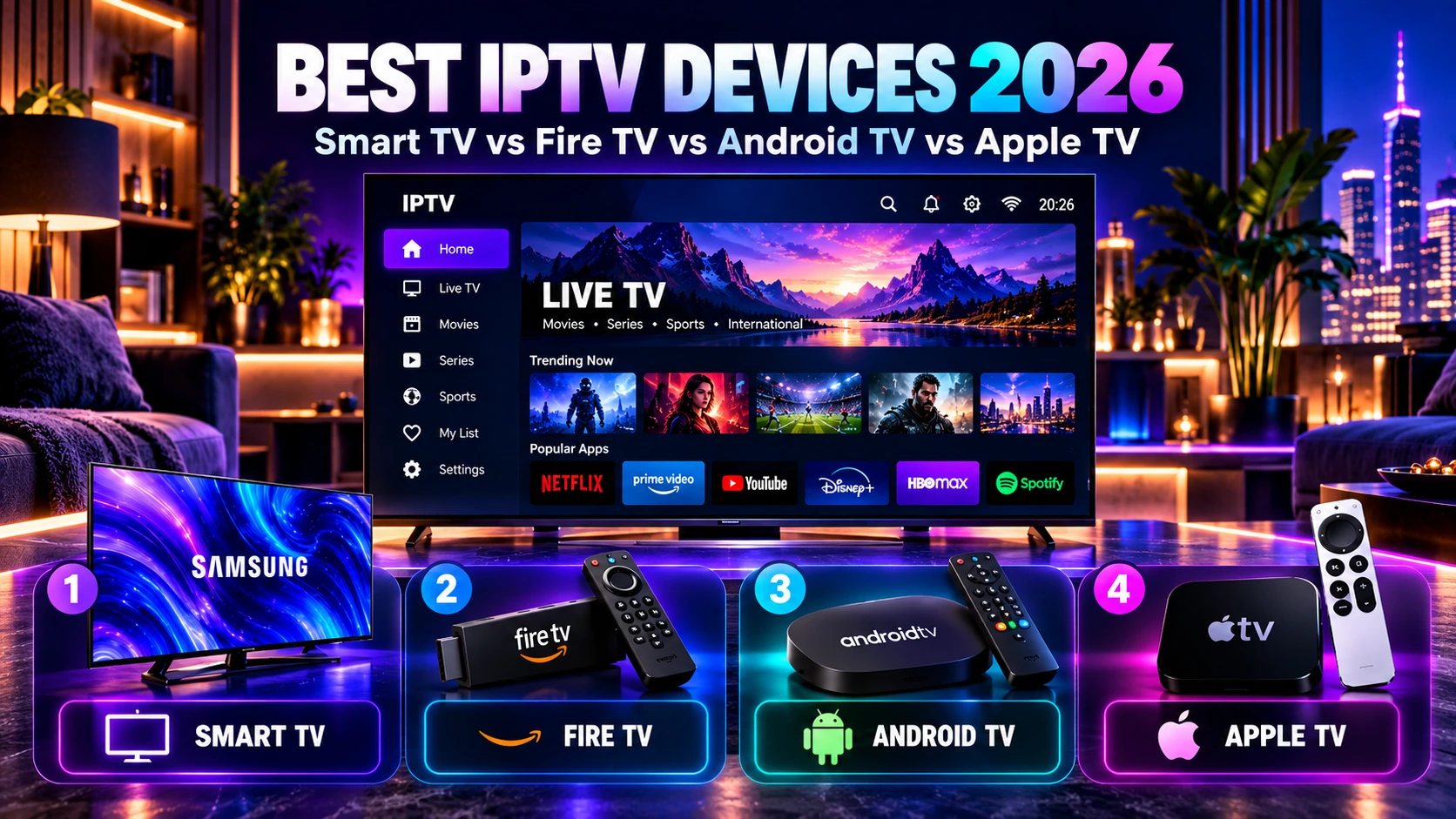
Best IPTV Devices in 2026: Smart TV vs Fire TV vs Android TV vs Apple TV
The best IPTV device in 2026 is not automatically the newest or most expensive box. The right choice depends on the apps available on the device, how smooth the interface feels, whether you want 4K playback, how strong your home network is, and whether you prefer a built-in Smart TV setup or a separate streaming device.
This guide compares Smart TVs, Fire TV devices, Android TV and Google TV boxes, Apple TV, phones, tablets and computers so you can choose a setup that fits the way you actually watch.
Quick answer: A Smart TV is the simplest setup when the app you need is available and the TV performs well. Fire TV is convenient and affordable for many households. Android TV and Google TV devices offer broad app flexibility. Apple TV can be a strong option for people already using the Apple ecosystem.
There is no single best device for everyone. App availability, hardware performance, remote usability and network stability matter more than the brand name alone.
Table of contents
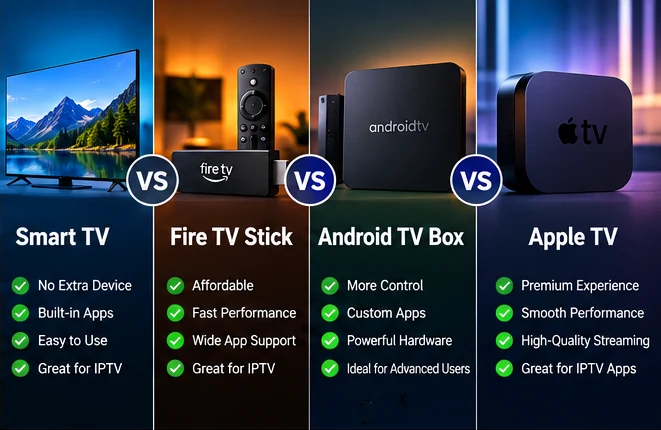
Best IPTV devices in 2026: quick comparison
| Device type | Main advantage | What to check | Best fit |
|---|---|---|---|
| Smart TV | No extra box or remote | App availability and TV performance | Simple living-room setup |
| Fire TV | Compact and easy to add to many TVs | App support, storage and Wi-Fi quality | Affordable external streaming setup |
| Android TV / Google TV | Broad app flexibility | Hardware quality and certified app support | Users who want more control |
| Apple TV | Fast interface and Apple ecosystem integration | tvOS app availability | Apple-focused households |
| Phone / Tablet | Portable and useful for testing | Screen size and mobile app availability | Secondary viewing and troubleshooting |
| Windows / Mac | Useful for testing and desk viewing | Compatible player or supported web method | Troubleshooting and computer viewing |
If you are still comparing the full service rather than only the hardware, use our IPTV subscription buyer’s guide to compare channels, connections, trials, support and pricing together. You can also review the IPTV Door premium IPTV subscription service overview for the main service options.
Smart TV for IPTV: simplest when the right app is available
A Smart TV can be the cleanest IPTV setup because you may not need an external box, extra HDMI cable or second remote. Everything stays inside the television.
The main limitation is that Smart TV platforms vary. Samsung, LG, Android TV, Google TV and other systems do not all offer the same apps. Even two televisions from the same brand can differ by model year, region or operating-system version.
When a Smart TV is a good choice
- the exact player you need is available on the TV;
- the television responds quickly enough for menus and channel changes;
- Wi-Fi reception is strong or Ethernet is available;
- you prefer one remote and no extra hardware.
When an external device may be better
If the television is older, slow, has limited storage or does not offer the player you need, an external streaming device can be easier than replacing the TV.
For a device-by-device compatibility checklist, see our IPTV compatible devices guide.
Fire TV for IPTV: compact and practical
Fire TV devices can be a convenient way to add modern streaming apps to a television without relying on the TV’s built-in software. They are small, simple to move between televisions and controlled with a dedicated remote.
Before choosing one, check whether your preferred player is available for the device and region, how much storage is available, and whether Wi-Fi is strong where the television is located.
Why people choose Fire TV
- easy external setup through HDMI;
- separate hardware from the television;
- good fit for older TVs with limited smart features;
- simple remote-control interface.
What can limit the experience
Storage, device generation, app availability and Wi-Fi conditions can all affect the experience. A newer internet plan does not compensate for a weak local Wi-Fi connection or an overloaded device.
Android TV and Google TV for IPTV: flexible app ecosystem
Android TV and Google TV devices are popular because they support a wide range of downloadable streaming apps and are available both as built-in TV platforms and as external boxes or sticks.
The category is broad, though. Hardware quality can vary significantly between devices. A well-supported certified device may feel very different from an inexpensive generic box with limited updates or weak hardware.
Why Android TV and Google TV can be a strong choice
- broad app availability;
- external boxes can upgrade an older television;
- easy access to normal streaming apps in one interface;
- many hardware choices at different price points.
What to check before buying
Confirm the exact device supports the apps you want, receives normal software updates, has enough storage for your use, and provides the network options you need.
Apple TV for IPTV: polished option for Apple households
Apple TV can be a strong fit for users who already use iPhone, iPad or other Apple services. The interface is generally designed around tvOS apps and a dedicated remote.
The most important check is app availability. An IPTV player available on iPhone is not automatically available on Apple TV, so confirm the exact tvOS app before choosing the hardware for a specific setup.
When Apple TV makes sense
- your household already uses Apple devices;
- you prefer a fast, consistent TV interface;
- the player you need is available for tvOS;
- you want a premium external streaming device rather than relying on the Smart TV platform.
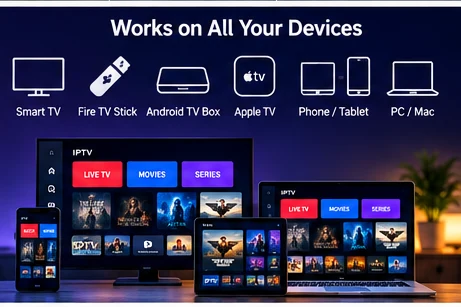
Phones, tablets and computers: useful secondary IPTV devices
Phones and tablets are useful for portable viewing, fast account testing and troubleshooting. They are also convenient when you want to confirm whether a problem affects only the television.
Computers can be useful for the same reason. If a stream works normally on a computer connected by Ethernet but buffers on the television over Wi-Fi, the comparison helps narrow the problem to the TV, player or wireless network.
Do not judge your whole setup from a phone test if your main device will be a television. Test the screen and network you plan to use every day.
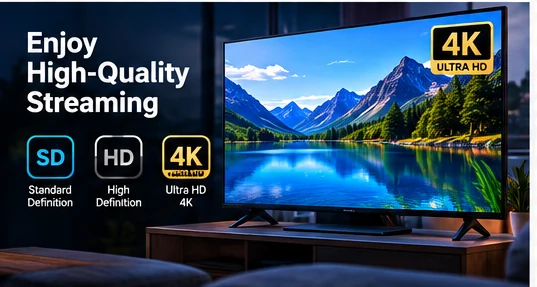
Which IPTV device is best for 4K streaming?
4K playback depends on the complete chain: the stream, codec, device hardware, HDMI path when an external box is used, television capability and network stability.
A device advertised for 4K playback can still struggle if the player is poorly optimized or the Wi-Fi connection is unstable. Likewise, a capable device may perform well with a stable wired connection even when the headline internet speed is not extremely high.
Our IPTV internet speed guide explains practical HD, Full HD and 4K bandwidth planning ranges, Wi-Fi vs Ethernet and simultaneous-stream requirements.
What matters most for smooth 4K playback
- hardware capable of decoding the stream efficiently;
- a television and HDMI path that support the target resolution;
- a compatible player;
- enough stable bandwidth;
- strong Wi-Fi or a reliable Ethernet connection.
App availability matters more than the device logo
Before buying hardware, decide which player or login method you intend to use. Then confirm that the exact device supports it.
Common IPTV setups may use a player that accepts a supported login format or playlist method, but the available options vary by service and platform. App stores also change over time and can differ by country.
The safest approach is simple: check the exact app on the exact device before you buy a long subscription or new hardware.
Remote control and navigation matter more than people expect
A player that works technically can still be frustrating if the interface is difficult to use with the remote. Television navigation should feel natural from the sofa.
Before committing to a device, check:
- how quickly menus open;
- whether channel changes feel responsive;
- whether search is easy to use;
- whether the remote has the buttons you use most often;
- whether the interface remains smooth after long sessions.
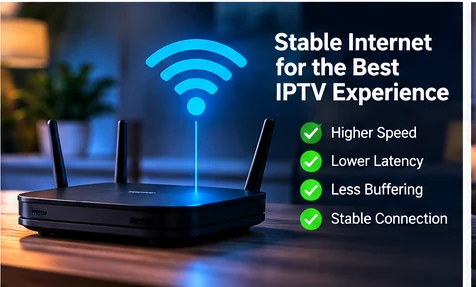
The best IPTV device still needs a stable network
Device choice and network quality work together. A powerful streaming box cannot fix severe Wi-Fi interference, packet loss or a congested home connection.
Ethernet can help when the device and router are close enough because it removes wireless interference from the test. Strong Wi-Fi can also work very well when coverage is good.
If playback is unstable, follow our IPTV buffering troubleshooting guide before assuming the device itself is defective.
What is the best IPTV setup for an older television?
If the TV screen is still good but the built-in apps are slow or limited, an external streaming device is often the simplest upgrade.
A Fire TV device, Android TV or Google TV box, or Apple TV can move the app experience away from the old television software while keeping the same screen.
Before buying, check:
- the television has a working HDMI input;
- the external device supports the player you need;
- the device and television support the resolution you want;
- Wi-Fi or Ethernet is strong enough at the TV location.
Do you need a separate device if your Smart TV already works well?
Not necessarily. If the built-in Smart TV app is available, responsive and stable, an external box may add little practical value.
An external device becomes more useful when the TV is slow, the app you need is unavailable, software updates have stopped or you want a more consistent interface across several televisions.
Device choice and simultaneous IPTV connections are different
The number of compatible devices you own is not the same as the number of simultaneous streams your subscription allows.
You may have the player installed on several devices but still have a plan that permits only one stream at a time. If two or three people regularly watch different content simultaneously, choose the correct connection count as well as the correct hardware.
See our IPTV connections meaning guide for the difference between 1, 2 and 3 simultaneous connections, then compare the current 2 Connections IPTV plans and 3 Connections IPTV plans when needed.
Test the device before choosing a long subscription
The best way to confirm a setup is to use the exact device, player and network you expect to use after purchase.
During a trial, check app installation, login, navigation, must-have channels, live playback, movies and series when included, Wi-Fi or Ethernet performance, and support responsiveness.
Use our IPTV free trial checklist for a structured evaluation before choosing a longer plan.
IPTV device buyer checklist
- Choose your main viewing screen first.
- Confirm the exact player is available on the device.
- Check whether the device supports the resolution you want.
- Test the remote-control experience.
- Confirm Wi-Fi or Ethernet quality at the device location.
- Check storage and software-update support.
- Separate device compatibility from simultaneous connection limits.
- Test the setup before committing to a long subscription.
Next step
Match the device to the way you watch
Confirm your must-have channels, check your internet speed and network stability, and decide how many simultaneous connections your household needs.
Then compare the current IPTV subscription plans and pricing.
IPTV devices FAQ
What is the best device for IPTV in 2026?
There is no single best device for every household. A Smart TV is convenient when the app is available and the television is responsive. Fire TV is compact and practical. Android TV and Google TV offer broad app flexibility, while Apple TV can be a strong option for Apple-focused households.
Is Fire TV good for IPTV?
It can be a practical choice when the player you need is supported and the device has a strong network connection. Check app availability, storage and Wi-Fi quality before choosing it for your main setup.
Is Android TV better than Fire TV for IPTV?
That depends on the exact devices and apps. Android TV and Google TV often provide broad app choice, while Fire TV can be simpler and more compact. Compare the specific hardware rather than the platform name alone.
Is Apple TV good for IPTV?
Apple TV can work well when a compatible tvOS player is available and you prefer the Apple ecosystem. Confirm the exact app before choosing the device for IPTV.
Can I use IPTV directly on a Smart TV?
Yes, when the television supports a compatible player or setup method. Availability depends on the TV platform, model, region and software version.
Do I need a streaming box for IPTV?
Not always. If your Smart TV already supports the player you need and performs well, the built-in setup may be enough. An external device is useful when the television is older, slow or has limited app support.
Does a better IPTV device stop buffering?
Only when the device is the bottleneck. Buffering can also come from Wi-Fi, internet congestion, packet loss, the player or the stream itself. Test the network and another device before deciding hardware is the cause.
Final thought: choose the IPTV device that gives you the right app, a responsive interface, stable network performance and a comfortable remote-control experience. The best setup is the one that fits your real viewing routine, not simply the device with the highest price or newest release date.
