
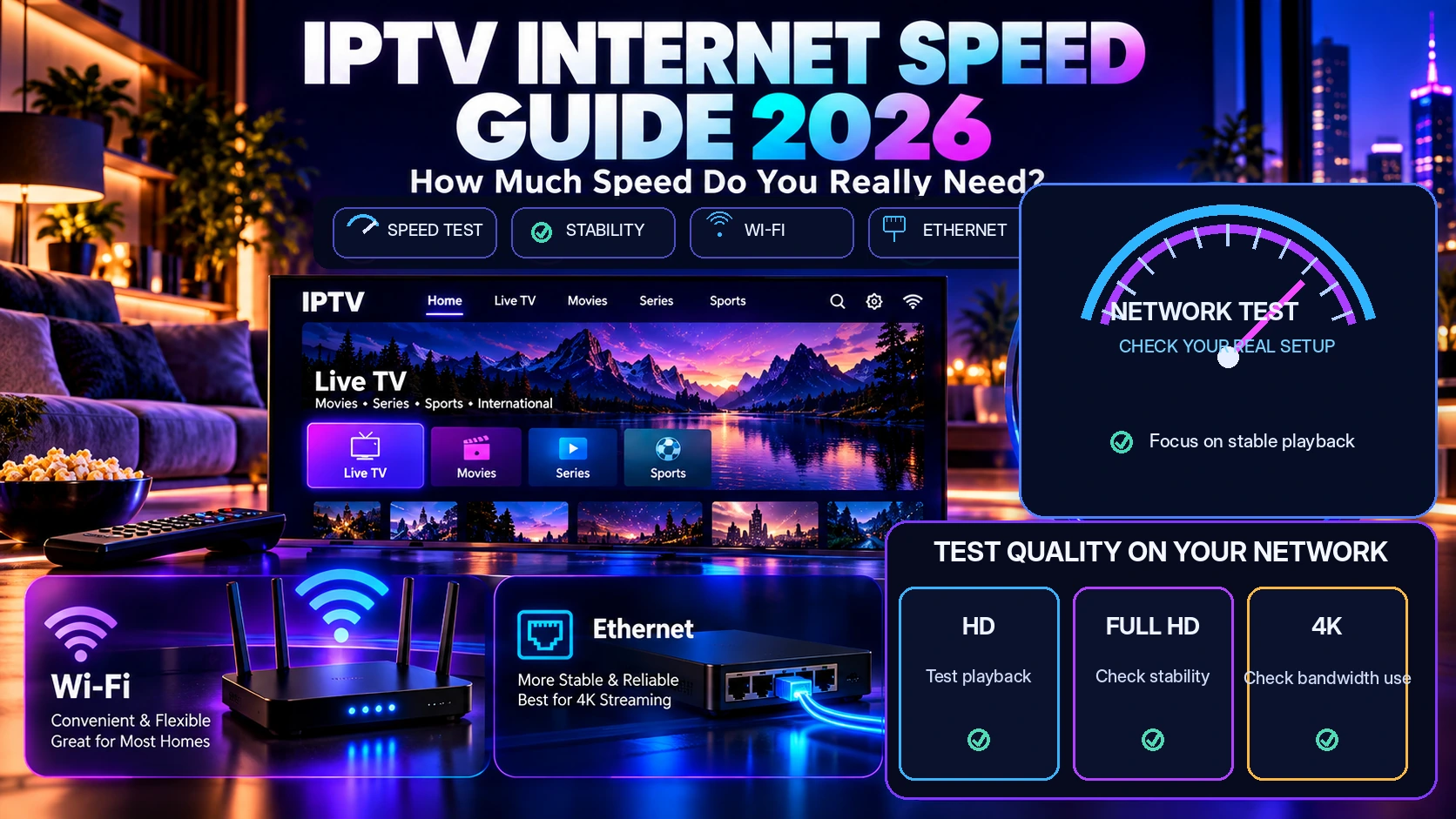
IPTV Internet Speed Guide 2026: How Much Speed Do You Really Need?
The right internet speed for IPTV depends on more than one Mbps number. Video quality, codec, Wi-Fi strength, Ethernet availability, other devices on the network and the number of simultaneous streams can all change how much headroom your household needs.
This 2026 guide explains how much internet speed is practical for IPTV, how HD, Full HD and 4K differ, why a fast speed test can still buffer, when Ethernet helps, how multiple viewers affect bandwidth, and what to test before choosing a subscription.
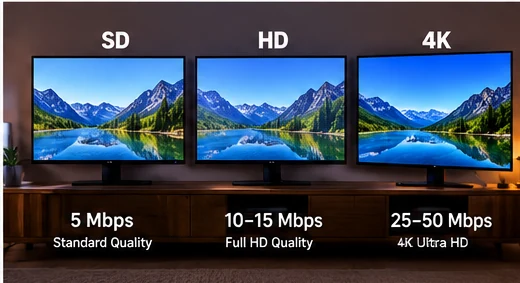
Quick answer: For a comfortable starting point, many households allow roughly 10+ Mbps for HD, 25+ Mbps for Full HD and 50+ Mbps for 4K per active stream, with additional headroom for other devices and network overhead.
These are practical planning ranges, not guarantees. The actual requirement depends on bitrate, codec, Wi-Fi quality, device performance and the stream itself.
Table of contents
- IPTV internet speed requirements at a glance
- How much speed do you really need?
- HD vs Full HD vs 4K IPTV speed
- Wi-Fi vs Ethernet for IPTV
- Why a fast speed test can still buffer
- Multiple devices and simultaneous streams
- Latency, packet loss and connection stability
- How to improve IPTV streaming stability
- How to test your network before subscribing
- IPTV internet speed FAQ
IPTV internet speed requirements at a glance
There is no universal IPTV bandwidth requirement because different streams use different bitrates and compression formats. Still, a planning table can help you decide whether your connection has enough headroom.
| Stream quality | Comfortable starting point | Best use |
|---|---|---|
| SD | 5+ Mbps | Lower-resolution viewing on small screens |
| HD | 10+ Mbps | Typical live TV and everyday viewing |
| Full HD | 25+ Mbps | Larger TVs and higher-bitrate streams |
| 4K | 50+ Mbps | Higher-resolution playback with more headroom |
Think of these numbers as household planning ranges, not exact stream bitrates. A modern codec may deliver similar picture quality at a lower bitrate than an older codec, while a high-motion sports stream may use more bandwidth than a simpler scene at the same resolution.
How much internet speed do you really need for IPTV?
The best answer starts with your real viewing pattern. Ask three questions:
- What quality do you normally watch? HD, Full HD or 4K?
- How many streams run at the same time? One viewer or several?
- What else uses the connection? Gaming, video calls, cloud backups, downloads or other streaming services?
If one person watches an HD stream and the rest of the network is quiet, a modest broadband connection may be enough. A family with three simultaneous Full HD streams, game downloads and video calls needs much more headroom.
If you are still deciding which overall service and plan fits your household, start with our IPTV subscription buyer’s guide, which compares channels, devices, connections, trials, support and pricing together. For the service overview, see the premium IPTV subscription page.
HD vs Full HD vs 4K IPTV: why resolution changes bandwidth
Higher-resolution video generally carries more picture information. That usually means a higher bitrate, although compression efficiency makes a large difference.
HD IPTV
HD streams are often the easiest to run on average home connections. For planning purposes, allowing around 10 Mbps or more per active HD stream gives the network room to absorb short fluctuations instead of operating at the absolute minimum.
Full HD IPTV
Full HD can require more bandwidth, especially for fast-motion sports or higher-quality encodes. Around 25 Mbps or more per active Full HD stream is a useful household starting point when you want additional headroom.
4K IPTV
4K can vary significantly depending on codec and bitrate. A comfortable planning target of 50 Mbps or more per active 4K stream gives more room for network overhead and other household activity, but some streams may need less and others may need more.
The key point is that resolution alone does not tell the whole story. Bitrate and compression matter just as much.
Wi-Fi vs Ethernet for IPTV
A 300 Mbps internet plan does not automatically mean your TV receives 300 Mbps reliably. The connection between the router and the streaming device matters too.
When Wi-Fi works well
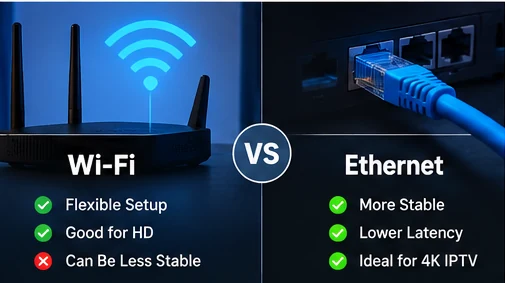
Wi-Fi can be excellent when the device has a strong signal, the router is positioned well and the wireless network is not heavily congested. It is flexible, easy to install and can handle HD or 4K playback when the local connection is strong enough.
Why Ethernet can be more stable
Ethernet removes many wireless variables such as distance, walls, neighboring networks and radio interference. A wired test is especially useful when you are troubleshooting repeated buffering.
If the same stream buffers on Wi-Fi but becomes stable on Ethernet, the local wireless connection deserves attention. Follow our IPTV buffering troubleshooting guide for the full diagnostic order.
Why can IPTV buffer even when the speed test is fast?
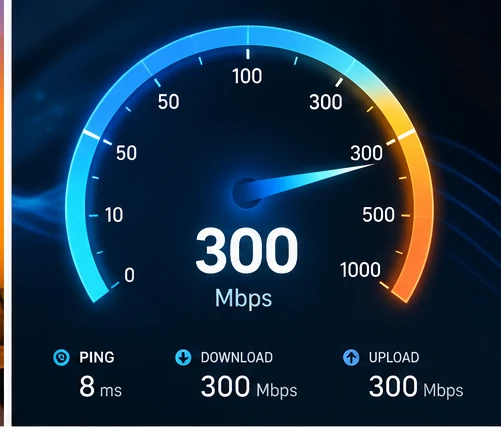
This is one of the most common sources of confusion. A speed test measures how quickly your device can transfer data to a nearby test server for a short period. IPTV playback is a continuous stream from a different server over a different network path.
A fast speed-test result does not directly measure:
- packet loss;
- Wi-Fi interference;
- short drops in connection quality;
- routing problems between your ISP and the stream source;
- device decoding performance;
- player-app stability;
- one specific channel or server issue.
That is why a connection can show 300 Mbps and still experience interruptions. The important question is not only “how fast is the internet?” but also “how stable is the complete path from the stream to the screen?”
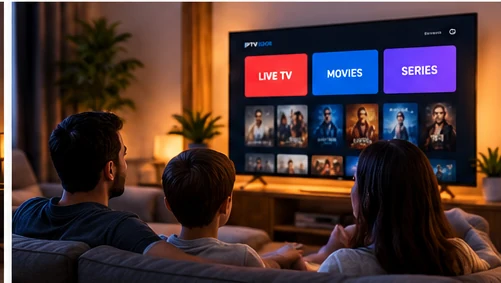
How multiple devices and simultaneous IPTV streams affect speed
Your internet connection is shared. If three televisions, two phones and a computer are active at the same time, each activity competes for some of the available capacity.
| Household scenario | Planning example |
|---|---|
| 1 HD stream | Allow 10+ Mbps plus normal household headroom |
| 2 Full HD streams | Allow around 50+ Mbps for the streams plus other usage |
| 3 Full HD streams | Allow around 75+ Mbps for the streams plus extra capacity |
| 2 simultaneous 4K streams | 100+ Mbps is a more comfortable starting point before other devices |
These examples deliberately include headroom. Running your connection at 95–100% utilization makes it more sensitive to downloads, software updates and momentary network fluctuations.
Also remember that internet bandwidth and subscription connection limits are different things. Your home internet may be fast enough for three streams, while the IPTV plan itself may allow only one or two simultaneous connections. See our IPTV connections meaning guide for the difference between 1, 2 and 3 connections.

Latency, packet loss and stability matter too
Bandwidth receives most of the attention, but stability is often what determines whether playback feels smooth.
Latency
Latency is the time data takes to travel across the network. Video streaming can tolerate more latency than competitive gaming, but unstable latency can still be a sign of congestion or a poor network path.
Packet loss
Packet loss happens when some data packets fail to reach their destination. Even a high-bandwidth connection can feel unstable when packet loss is present.
Jitter and short drops
Large fluctuations in latency or brief Wi-Fi drops can interrupt a stream even if the average speed looks excellent.
This is why a stable 100 Mbps wired connection can sometimes give a better streaming experience than an inconsistent 500 Mbps Wi-Fi connection.
How to improve IPTV streaming stability
If playback is unstable, improve one variable at a time so you know which change actually helps.
- Test several channels. Confirm whether the issue affects one stream or many.
- Restart the player and streaming device. Rule out a temporary app or device issue.
- Pause large downloads and updates. Reduce local congestion.
- Move closer to the router. Check whether Wi-Fi signal strength is part of the problem.
- Compare Ethernet with Wi-Fi. A wired test isolates the wireless network.
- Test another compatible device. Determine whether the first device or player is the bottleneck.
- Test during your normal viewing time. Evening conditions may differ from a quiet morning test.
For device-specific considerations, see our IPTV compatible devices guide.
Does router quality matter for IPTV?
Yes, especially on Wi-Fi. An old or poorly positioned router may reduce practical performance even when the ISP connection itself is fast.
Important router factors include:
- coverage in the room where the TV is located;
- support for modern Wi-Fi standards;
- the number of active devices;
- distance and obstacles between router and device;
- whether the router is overloaded by many simultaneous connections.
You do not need the most expensive router simply to stream IPTV, but the local network should be stable enough for the quality and number of streams you want to run.
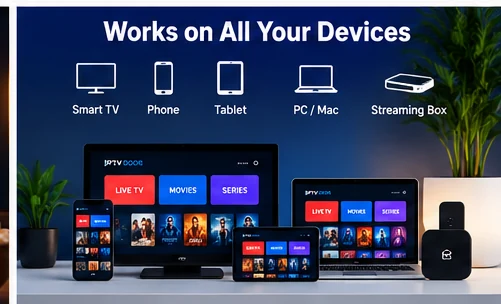
Does your IPTV device affect streaming quality?
If you are choosing hardware, our Best IPTV Devices in 2026 guide compares Smart TV, Fire TV, Android TV, Google TV and Apple TV for app support, 4K performance and everyday usability.
Yes. A weak or overloaded device can cause slow navigation, freezing or playback problems even when internet speed is sufficient.
Older Smart TVs may have slower processors, limited storage or older app versions. External streaming devices can sometimes offer better app support or faster hardware, but the best setup depends on the exact TV and player.
If your phone streams smoothly while the television struggles on the same network, the TV or its player deserves closer attention.
How to test your internet before choosing an IPTV subscription
The most useful test is the one that matches real life. Use the same device, room, Wi-Fi or Ethernet connection, time of day and number of simultaneous viewers you expect after purchase.
During a trial:
- test several live channels;
- test movies or series if they matter to you;
- use your main TV or streaming box;
- test during your normal viewing time;
- compare Wi-Fi and Ethernet when possible;
- run the number of simultaneous streams your plan is expected to support;
- note any buffering and whether it affects one stream or many.
Our IPTV free trial checklist gives you a structured way to evaluate the full setup before choosing a longer plan.
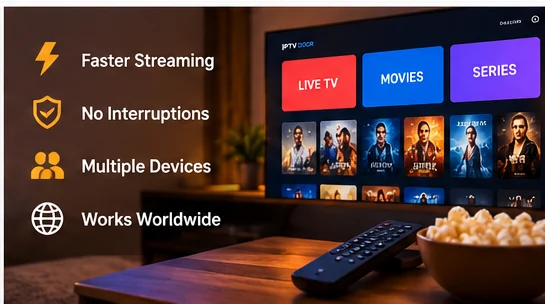
How much speed do you need for 2 or 3 IPTV connections?
Start with the quality of each stream, then multiply by the number of simultaneous viewers and add network headroom.
For example, two Full HD streams planned at around 25 Mbps each suggest roughly 50 Mbps for the streams alone. Three similar streams suggest roughly 75 Mbps before accounting for phones, computers, updates and other household traffic.
If several viewers regularly watch at the same time, compare our 2 Connections IPTV plans and 3 Connections IPTV plans after confirming that your home network can comfortably support the expected load.
Should you buy a faster internet plan just for IPTV?
Not automatically. First identify the bottleneck.
If a wired test is stable but Wi-Fi is not, upgrading the ISP plan may not solve the wireless problem. If one old Smart TV struggles while another device works well, the device may be the limiting factor. If the whole household connection is saturated whenever several streams run, more internet capacity may help.
Upgrade only after you know whether the limitation is bandwidth, Wi-Fi, hardware or the stream itself.
Next step
Test your real setup before choosing a plan
Check your must-have channels, confirm your device compatibility, and decide how many simultaneous connections your household needs.
Then compare the current IPTV subscription plans and pricing.
IPTV internet speed FAQ
Is 25 Mbps enough for IPTV?
It can be enough for one HD or Full HD stream in many setups, but the result depends on bitrate, codec, network stability and what else is using the connection. Leave additional headroom when other devices are active.
Is 50 Mbps enough for 4K IPTV?
50 Mbps is a useful comfortable starting point for one 4K stream, but it is not a universal guarantee. Some 4K streams use less bandwidth and others may need more, especially when the household connection is busy.
Why does IPTV buffer with 300 Mbps internet?
Because bandwidth is only one part of the path. Wi-Fi interference, packet loss, device performance, player issues, routing or one specific stream can cause buffering even when a speed test shows hundreds of Mbps.
Is Ethernet better than Wi-Fi for IPTV?
Ethernet is usually easier to keep consistent because it avoids wireless interference and signal-strength problems. Strong Wi-Fi can still work very well when the router and device have a stable connection.
How much speed do I need for two IPTV streams?
Add the expected bandwidth of both streams and leave headroom. Two Full HD streams planned at around 25 Mbps each suggest roughly 50 Mbps for the streams before other household activity.
How much speed do I need for three IPTV streams?
Three Full HD streams planned at around 25 Mbps each suggest roughly 75 Mbps before other network use. The actual requirement can be lower or higher depending on bitrate and codec.
Does a faster internet plan always stop buffering?
No. A faster plan helps only when available bandwidth is the bottleneck. It will not automatically fix weak Wi-Fi, packet loss, an overloaded device, a problematic player or one unstable stream.
Final thought: the best IPTV internet setup is not simply the one with the largest speed-test number. Aim for enough bandwidth, stable Wi-Fi or Ethernet, a capable device and enough headroom for the way your household actually watches.
