
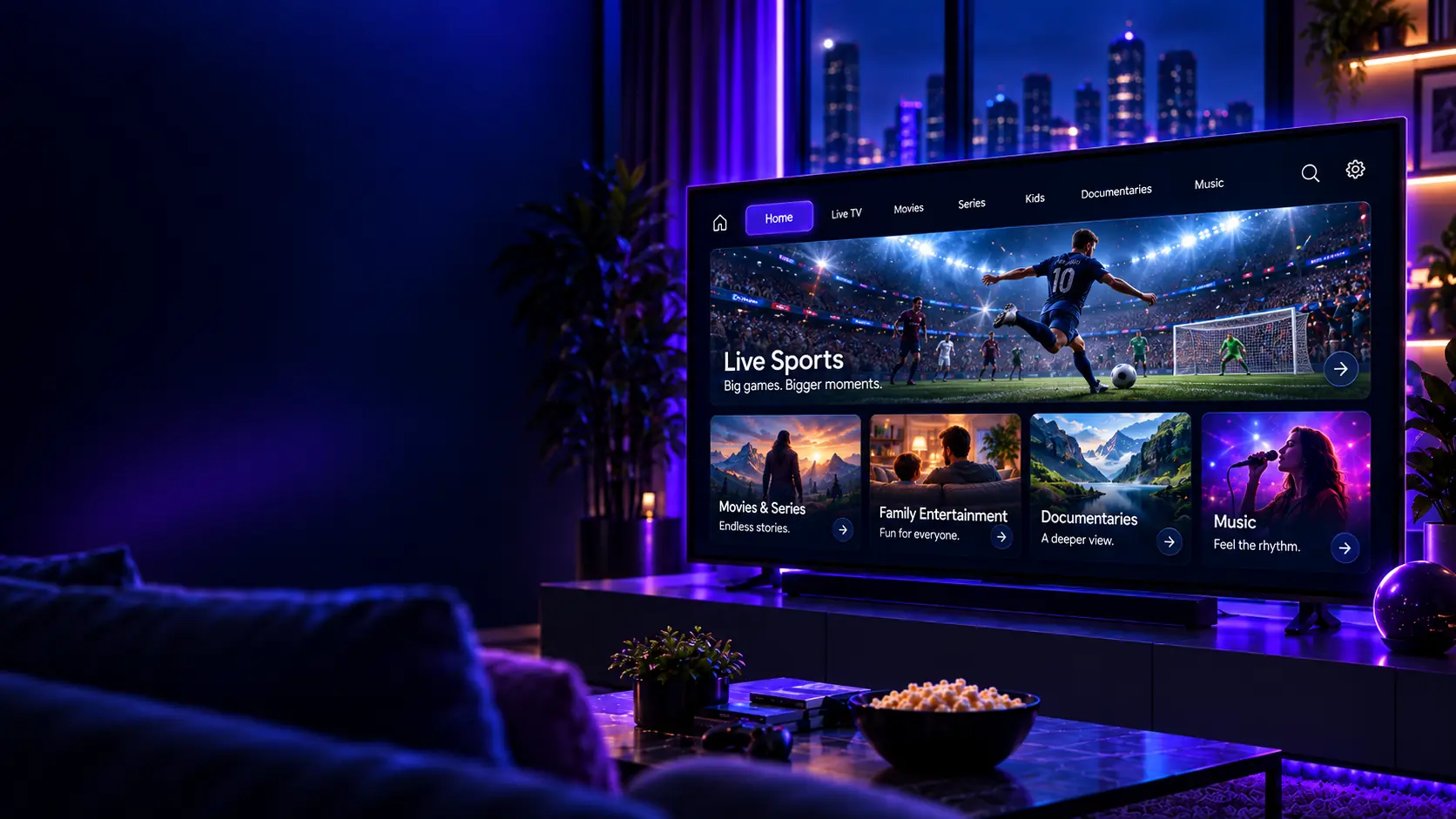
Use the 24-hour IPTV free trial to check device compatibility, streaming quality and available content before choosing a paid subscription.
For a useful test, use the same device, player and home network you expect to use after purchase. Check playback at the times you normally watch instead of testing only for a few minutes.
What to test during the 24-hour trial
- Your main Smart TV, Fire TV, Android TV, mobile device or computer
- Playback stability on your normal Wi-Fi or Ethernet connection
- The channels and content categories that matter most to you
- Player navigation, EPG behavior and general usability
- Support response if you need setup help
Compatible devices and apps
- Smart TVs with compatible IPTV apps
- Android phones, tablets, TV boxes and Fire TV devices
- iPhone and iPad with compatible IPTV players
- Computers and compatible players such as VLC
- MAG, Enigma2 and other supported devices
Support
If you need help with setup or activation, contact IPTV Door support for instructions for your device and app.
Use the IPTV free trial checklist while testing, verify the IPTV channels list, and compare subscription plans and pricing after the trial.
Channel availability, streaming quality and supported features can vary by device and content source.

Reviews