
IPTV USA 2027: Live TV, Sports & Streaming Subscription Guide
IPTV USA 2027: Live TV, Sports & Streaming Subscription Guide
Updated 7 November 2026 for 2027 planning. Shopping for IPTV in the USA means navigating more than just a list of channels. American local TV depends on your market, sports packages can differ by league and ZIP code, and a service that works on one streaming stick may not run on another. This guide offers a practical way to compare live-TV and IPTV subscription options without relying on unverified “best provider” rankings.
USA buyer’s quick answer
Choose your ZIP code, must-have local stations, sports competitions, streaming device and number of simultaneous screens first. Then check an identifiable, authorised TV provider’s real channel lineup and terms. Test live playback during a busy evening before committing to a long subscription. No credible guide can promise every American sporting event or local network everywhere in 2027.
IPTV versus live TV streaming in the United States
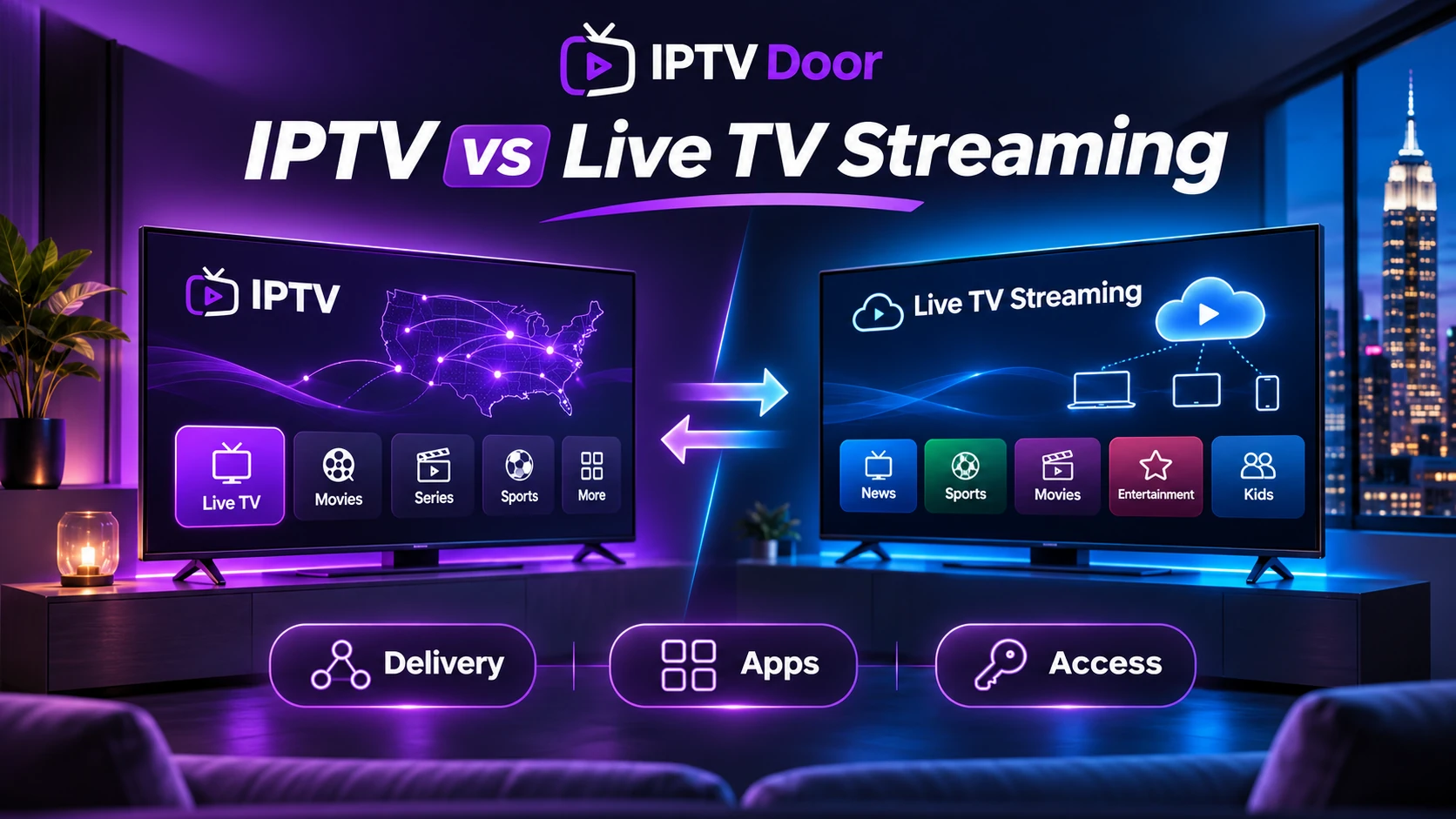
Internet Protocol Television (IPTV) describes TV delivered over IP networks. Some cable and telephone TV platforms use managed IPTV infrastructure; internet-based streaming services deliver similar live viewing through apps; third-party IPTV players display streams supplied by another service. Those categories overlap technically but not necessarily commercially or legally.
Important distinction: buying an app does not buy distribution rights to television channels. A legitimate subscription must provide authorised access to the channels and programmes offered in your location. Channel logos, lists or an enormous channel-count claim are not proof of legal carriage or reliable service.
Which US live TV option fits your viewing habits?
| What matters most | Where to start | What to verify |
|---|---|---|
| Local broadcast news and entertainment | Official network apps, an antenna, or a recognised live-TV streaming service | Exact local affiliate availability by ZIP code, not a nationwide logo |
| National live channels and cloud DVR | Services such as YouTube TV or other licensed live-TV packages | Current lineup, DVR limits, household/location rules and add-on costs |
| Regional sports | League rights-holder, local broadcaster or regionally authorised sports service | Regional sports network, blackout rules, home ZIP code and competition rights |
| Free, ad-supported channels | Recognised FAST platforms such as Pluto TV or authorised free news feeds | Whether your particular local channel or live game is actually included |
| Multilingual or international viewing | Authorised language-specific broadcasters and providers | Licensing, subtitles, EPG and availability in the United States |
As examples of why location matters, YouTube TV asks viewers to enter a home ZIP code to see local channels; Fubo’s official local-channel help page likewise explains that local networks depend on the market. These are examples for checking availability, not a claim that either service carries every channel or that IPTV Door is affiliated with them.
How to check USA local channels accurately
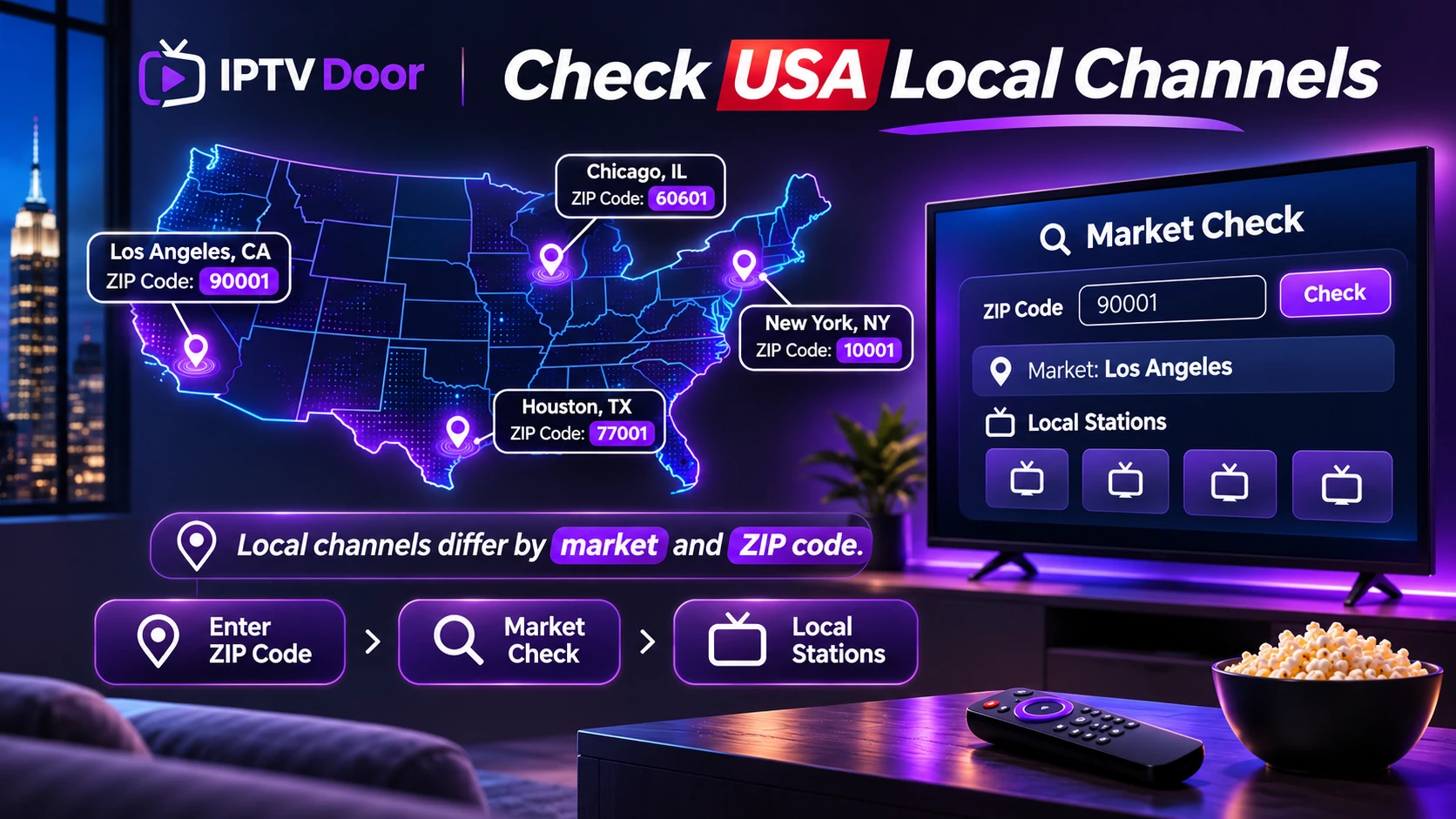
“USA channels included” is too broad to answer a household’s needs. Create a five-column list: channel or affiliate, city/ZIP code, show or live event, device, and confirmation source. For example, a viewer may need a specific local ABC, CBS, FOX or NBC affiliate and a regional sports channel, rather than a generic national feed.
- Enter your home ZIP code in the official provider’s channel lookup where offered.
- Check the exact station call sign, not only the parent network’s logo.
- Check whether a desired programme is live, on-demand, subject to blackout, or reserved for a separate paid tier.
- Repeat for your sports and international must-haves, ideally close to the event.
- Save the provider’s written confirmation and terms before subscribing.
IPTV Door has a North America channel directory organised by USA/Canada categories. It is a discovery list, not a live inventory, and channel names there should not be taken as proof of an affiliation, a specific live match, or rights to distribute a station.
Sports IPTV USA: NFL, NBA, MLB, NHL and live events
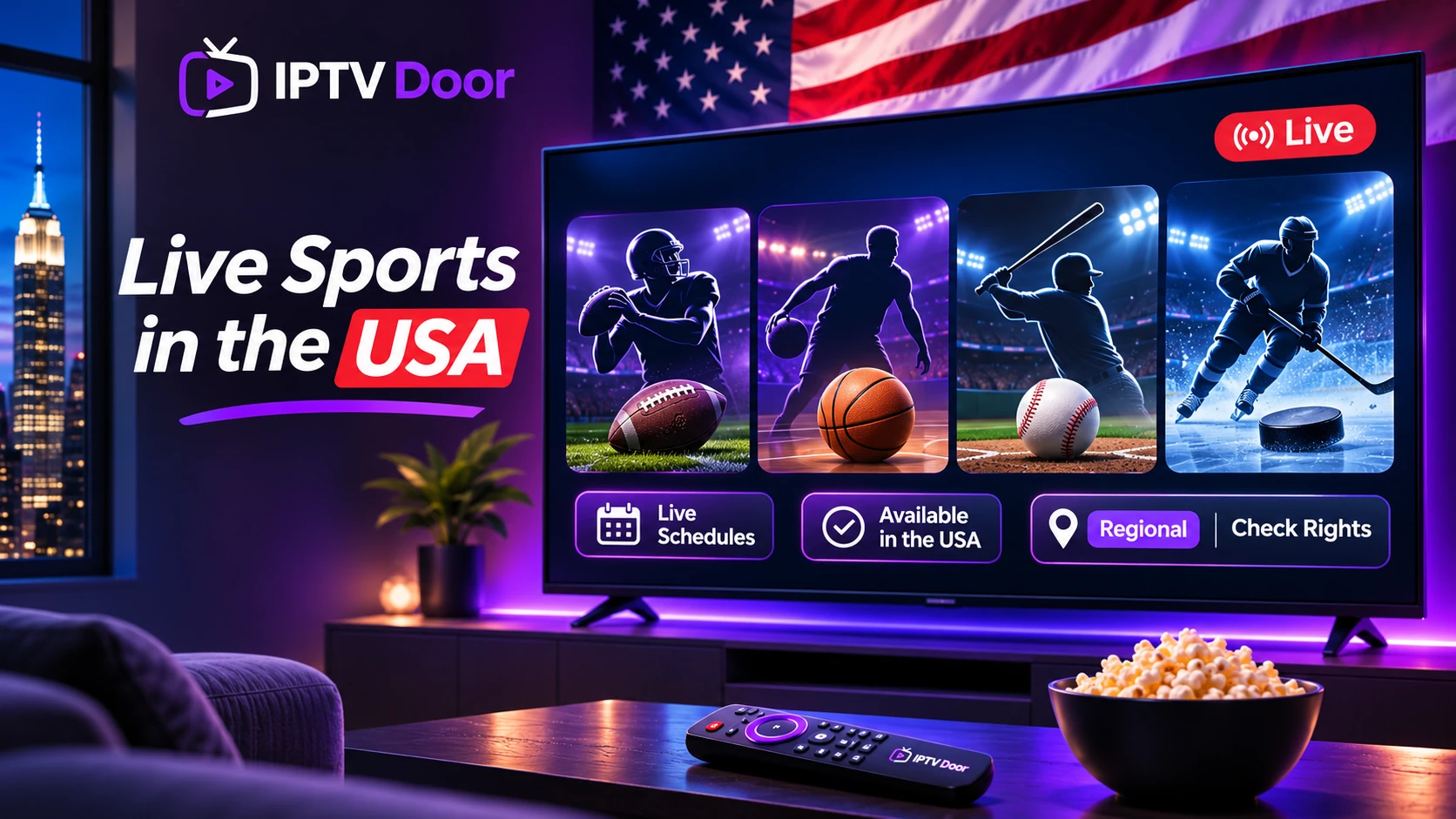
American sports viewing is fragmented. A league may combine national networks, regional broadcasters, direct-to-consumer offerings and games assigned to specific streaming partners. NFL, NBA, MLB, NHL, college sports, combat sports and international football do not share one universal rights schedule. Packages and blackout rules can change by season.
Before paying for an offer marketed as “live sports IPTV USA”, ask four questions: Which exact games? Which rights-holding channel or streaming partner? Are games subject to territorial restrictions? Does the package include the required tier or event purchase? Claims such as “all Sunday games,” “every PPV included,” or “no blackout ever” demand particularly careful verification. Use the league and broadcaster’s official schedules as the authoritative source.
Fubo’s regional sports channel lookup illustrates why local sports packages depend on the viewer’s ZIP code and chosen plan.
Best devices for a US IPTV setup in 2027
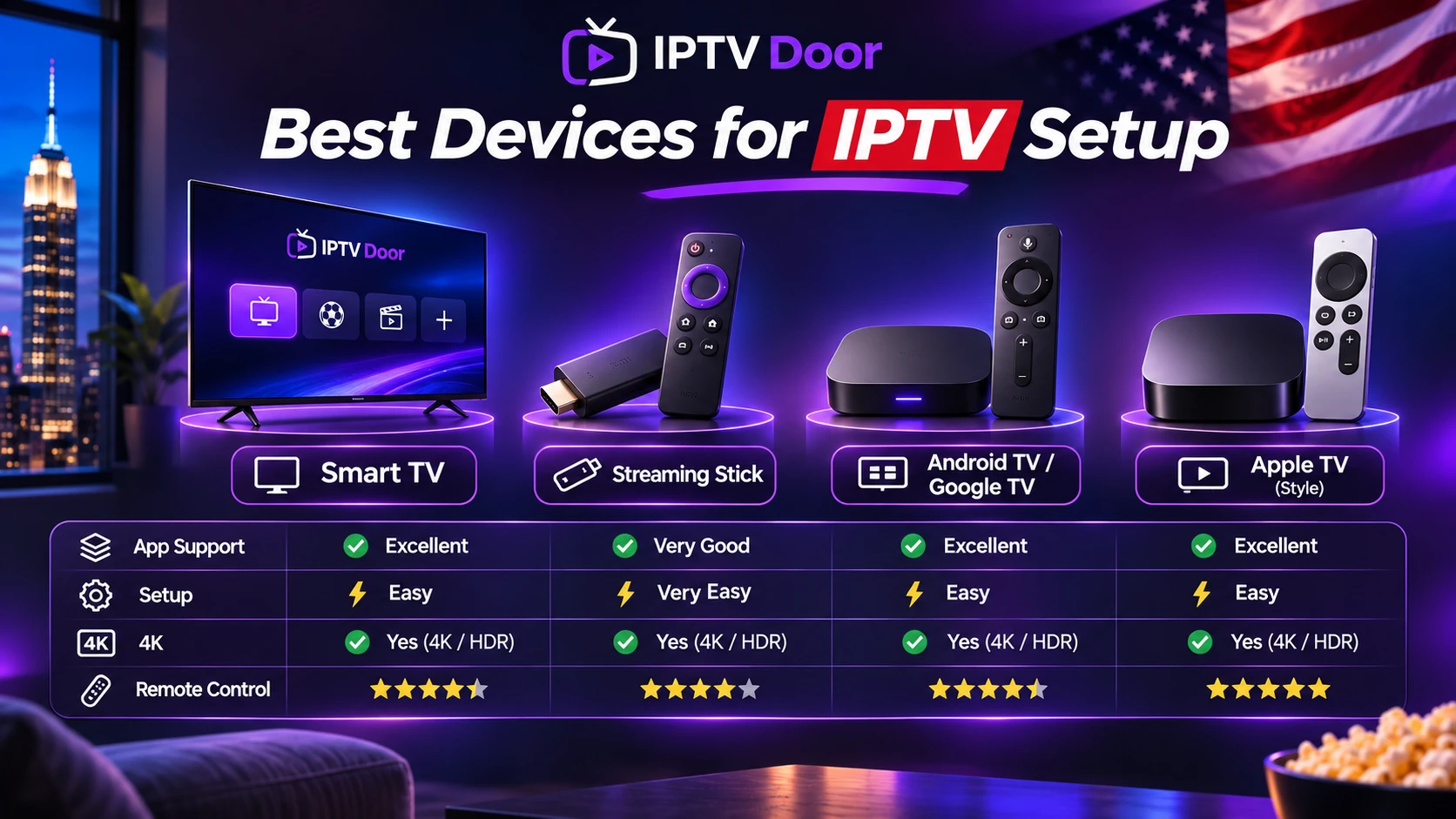
Start with the equipment you already own. Apple TV, Roku, Android TV/Google TV, smart televisions and Amazon Fire TV devices can all be useful, but app support is device- and OS-specific. On newer Amazon hardware, distinguish Android-based Fire OS from Vega OS. A player or installation tutorial that works on an older Firestick may not be available on a newer Vega device. Confirm in Amazon’s official Fire TV platform documentation.
- Smart TV: verify that the app exists in your TV’s own regional store and can be updated.
- Fire TV: confirm the exact model, Fire OS or Vega OS, and approved Appstore availability.
- Apple TV: verify a native tvOS app and remote-friendly playback controls.
- Android TV/Google TV: prefer maintained official-store apps and confirm login compatibility.
- Phone or tablet: useful for testing, but successful mobile playback is not proof that your living-room TV will work.
For compatibility details see our device compatibility guide, Fire OS vs Vega OS guide and installation tutorials.
The 7-point US subscription test before you buy
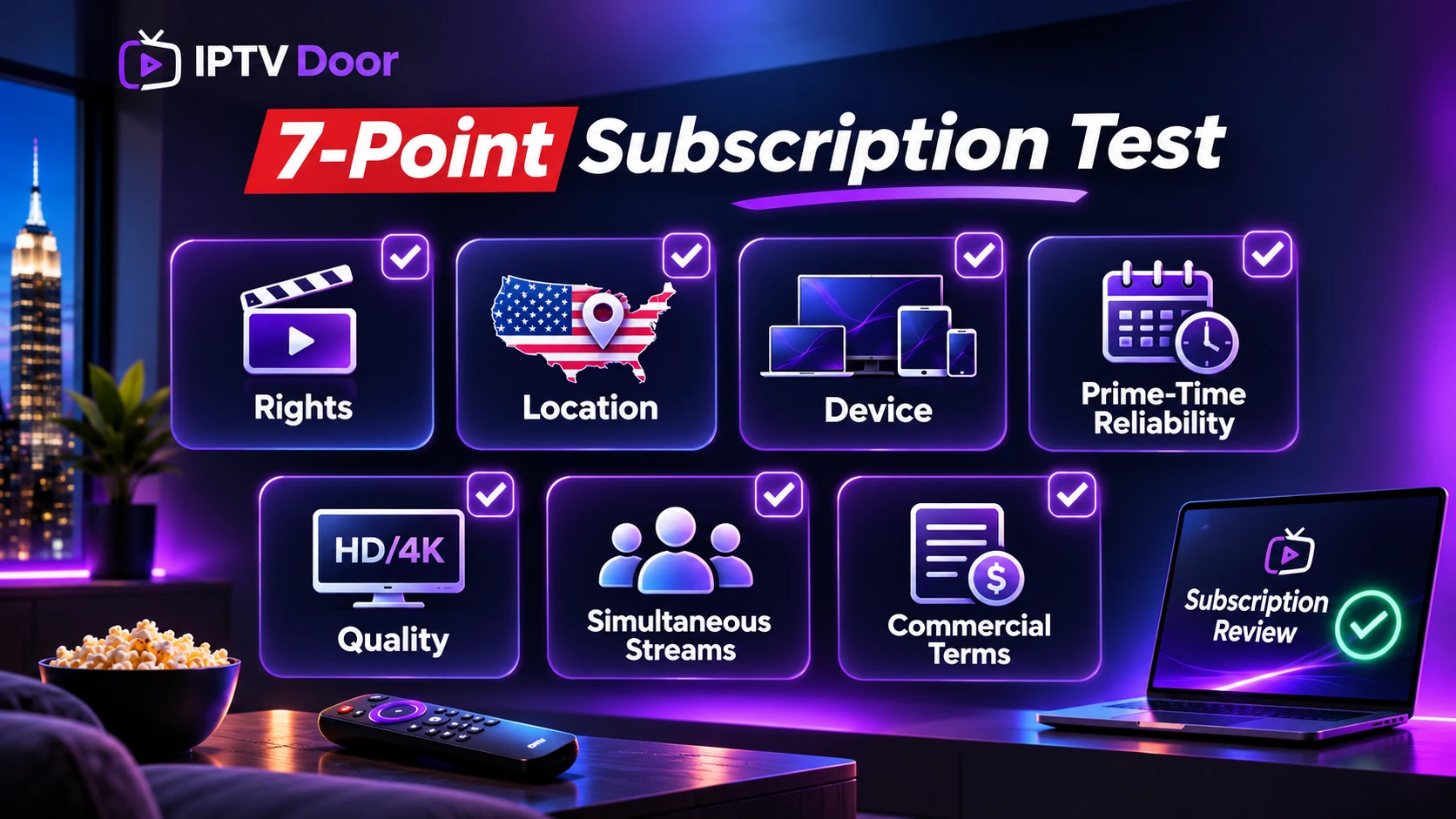
- Rights: ask for clarity about authorised distribution of the networks and events you care about.
- Location: verify local stations and sports against the actual US ZIP code in which you will watch.
- Device: test your exact television or streaming stick with the official supported application.
- Prime-time reliability: compare a weekday evening, a busy sporting event and ordinary non-peak viewing.
- Quality: check sound, subtitles, channel switching and EPG. A “4K” label alone is not proof of UHD output.
- Simultaneous streams: count family members actually watching at the same time, and read any household/location restrictions.
- Commercial terms: understand the total cost, introductory prices, cancellation rules, refunds, renewal and real support channel.
Our free trial checklist provides a reusable testing method. For multiple screens, read what 1, 2 and 3 IPTV connections mean. If a trial fails, don’t interpret a single speed test as a full diagnosis; use the buffering troubleshooting guide.
What internet speed is enough?
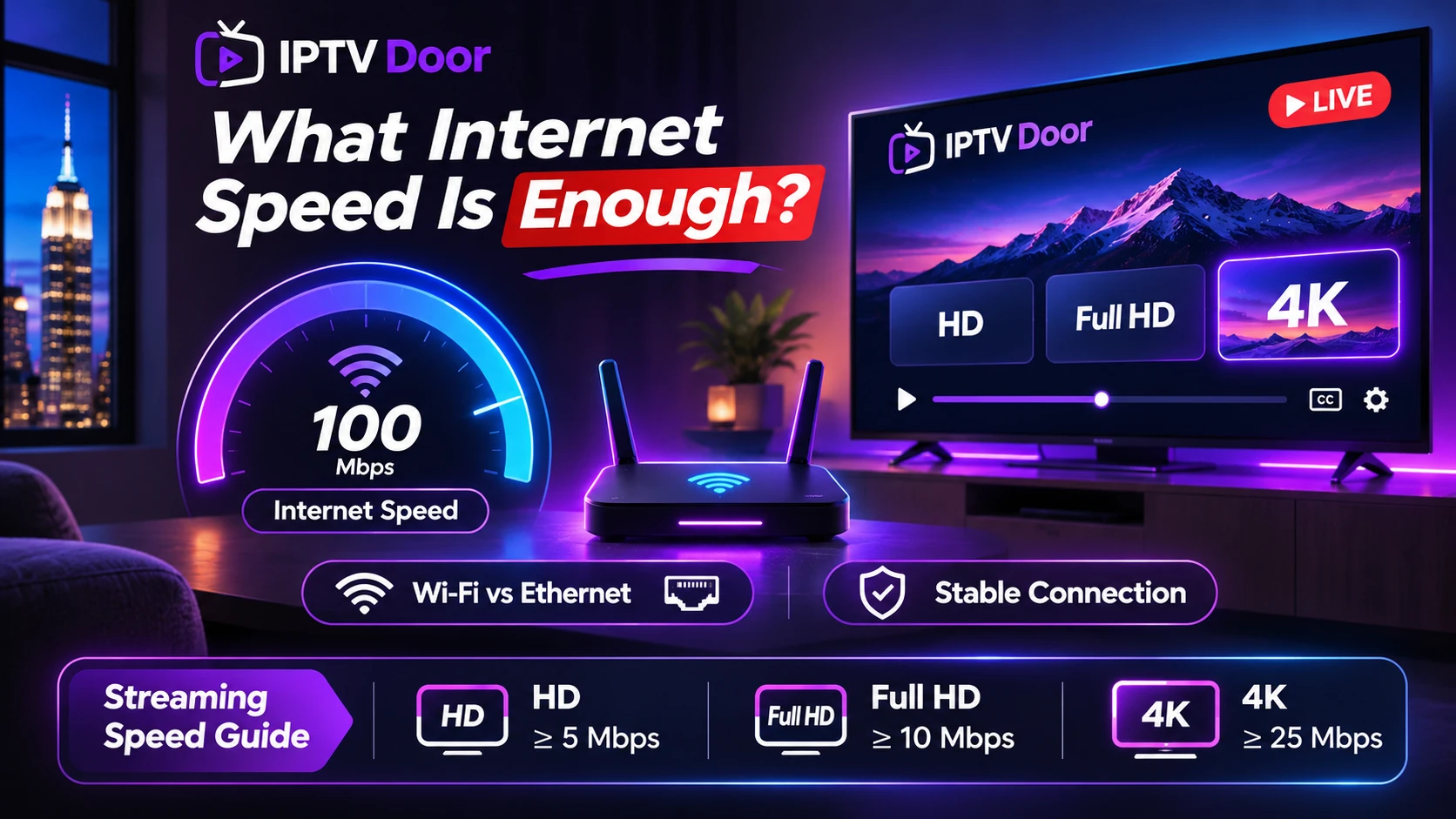
A sustainable IPTV connection depends on stable throughput, latency, Wi-Fi quality, the device and the stream’s actual bitrate. Speed alone is not the whole story. A wired connection often removes Wi-Fi congestion from the troubleshooting equation. Multiple simultaneous HD or 4K streams share available bandwidth, so give your household headroom rather than planning around a single best-case speed-test result. See our streaming speed guide for realistic testing advice.
US IPTV questions answered
What is the best IPTV service in the USA for 2027?
There is no independently verifiable winner for every viewer and every 2027 sports season. Compare authorised US availability, local channels, your device, the specific events and the subscription’s real terms.
Can one IPTV subscription cover every US sports event?
Do not assume so. Rights vary by league, broadcaster, geography and season, and some events require a separate purchase or plan.
Can I use the same subscription on two TVs?
Only if the provider’s terms permit the required simultaneous connections and household/location rules. Installation on two devices does not guarantee two active streams.
Is a 24-hour IPTV free trial enough?
It can confirm app login and basic playback, but it may miss weekend sport and peak-hour network behaviour. Verify the must-have programming and consider a short paid term rather than an untested annual commitment.
Does Firestick support every IPTV player?
No. Support differs by exact Fire TV model, operating system, app publisher and US availability.
Build your US viewing checklist
Start with the IPTV Door channel directory, verify the individual authorised station or event and review subscription plan terms. For questions about your exact device or must-have channels, ask IPTV Door support before payment. Comparison information is not a promise of every sports event or network.
Editorial note: Compiled from publicly accessible provider documentation on 7 November 2026 for readers researching 2027. This article does not claim first-hand testing of competing services, guaranteed sports rights, or final 2027 plan prices.
